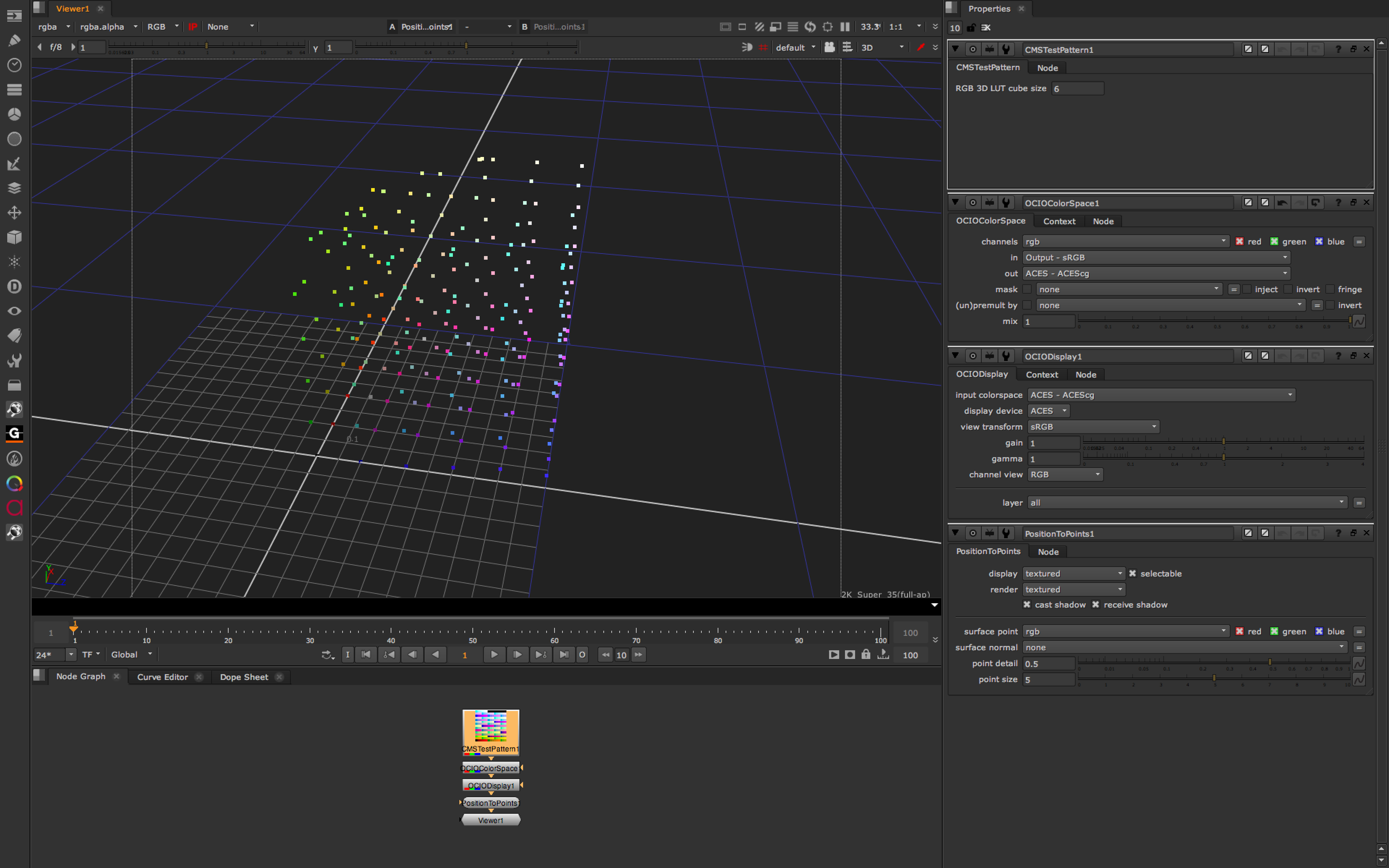
You can do it with OCIO. Just use an OCIOColorSpace node, and choose Output - sRGB as the input colour space.
This screen grab shows how a small amount of the extremities of the RGB cube is clipped by the backwards/forwards transform, but frankly you are unlikely to want to have such extremely saturated colours in your original sRGB image.