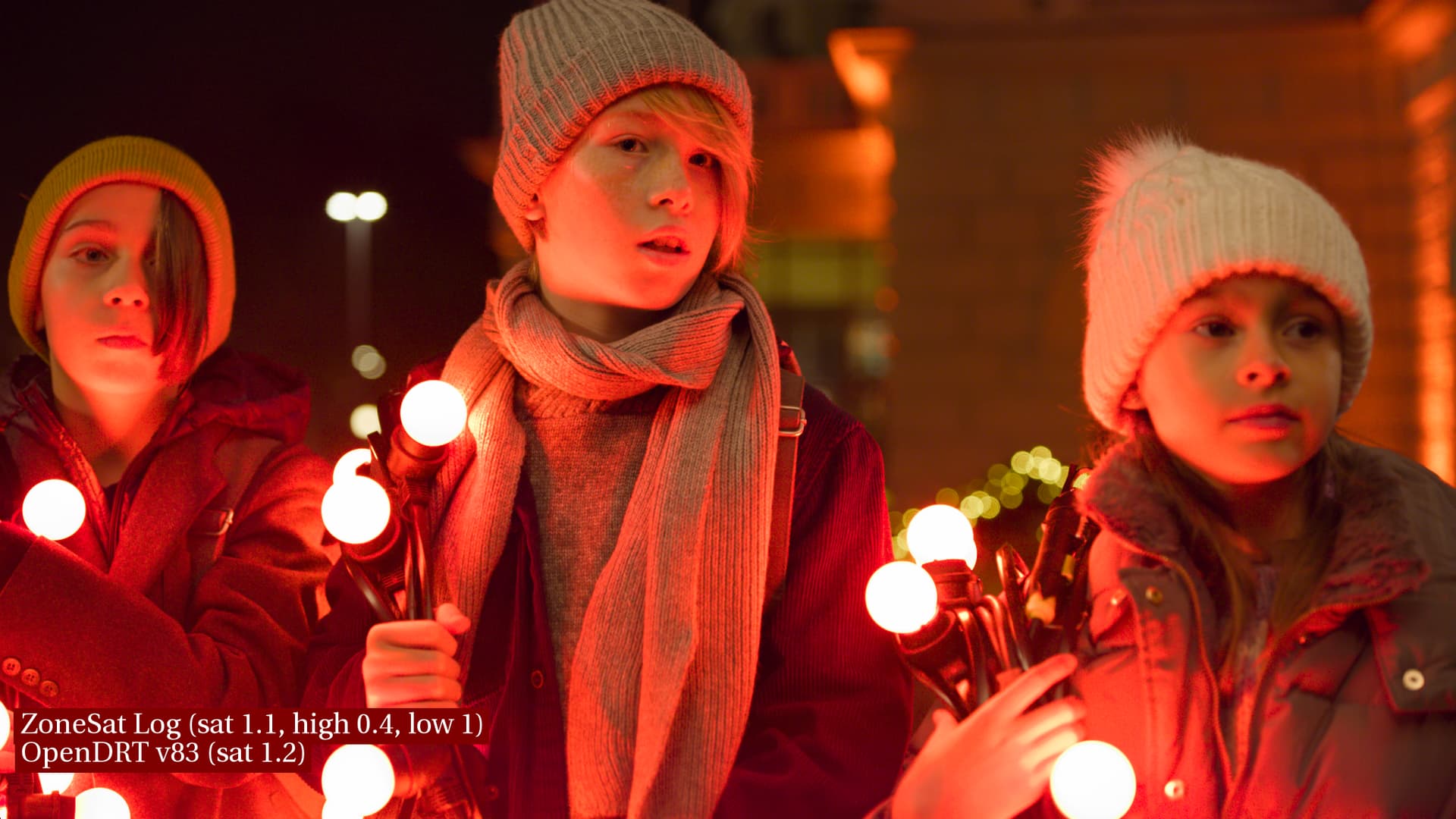
Posting an update to the skin look with the recently updated v83 OpenDRT and an updated ZoneSat. I’m feeling like skin tones are looking pretty great with these tools from Jed.
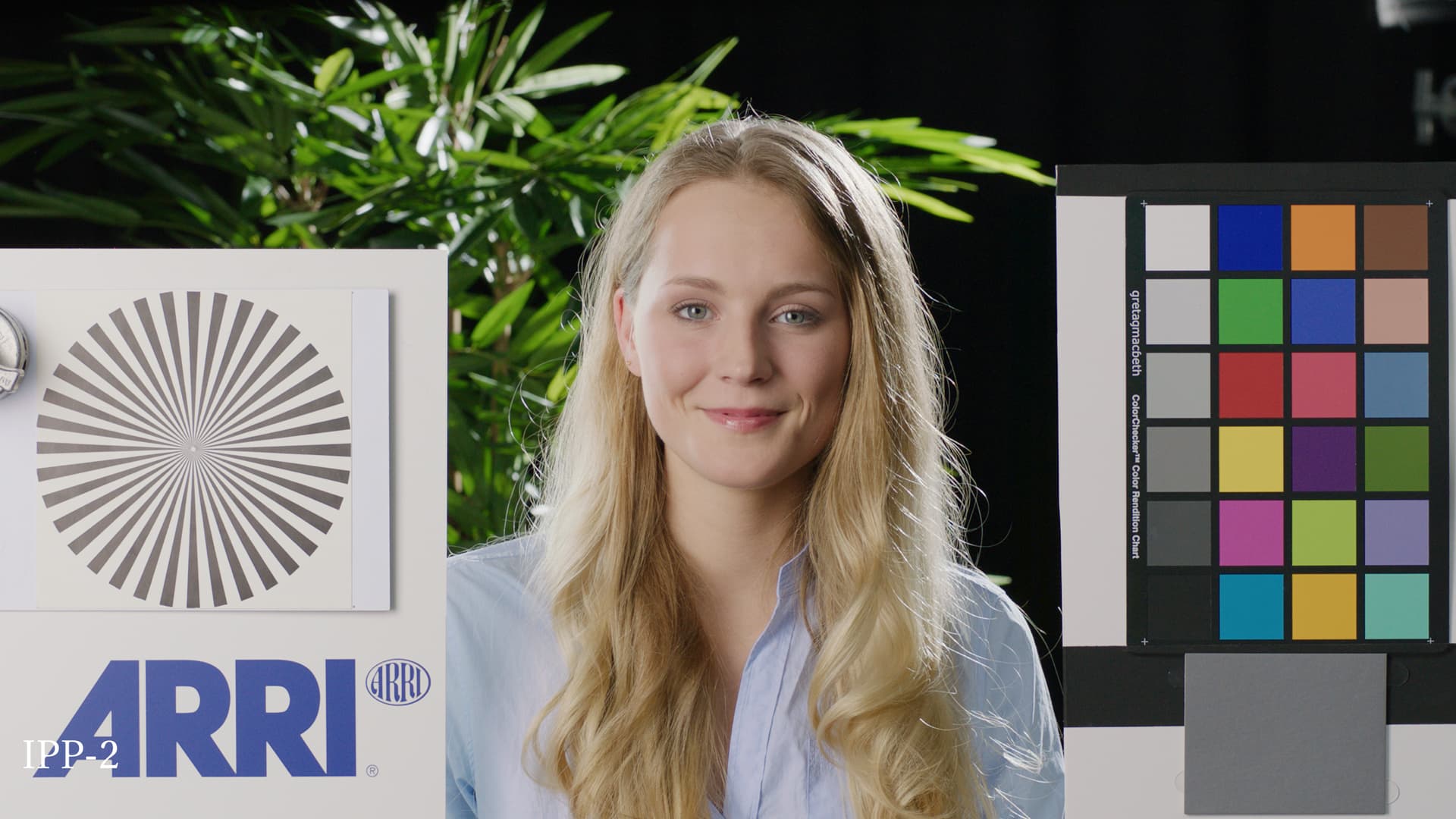
IPP-2
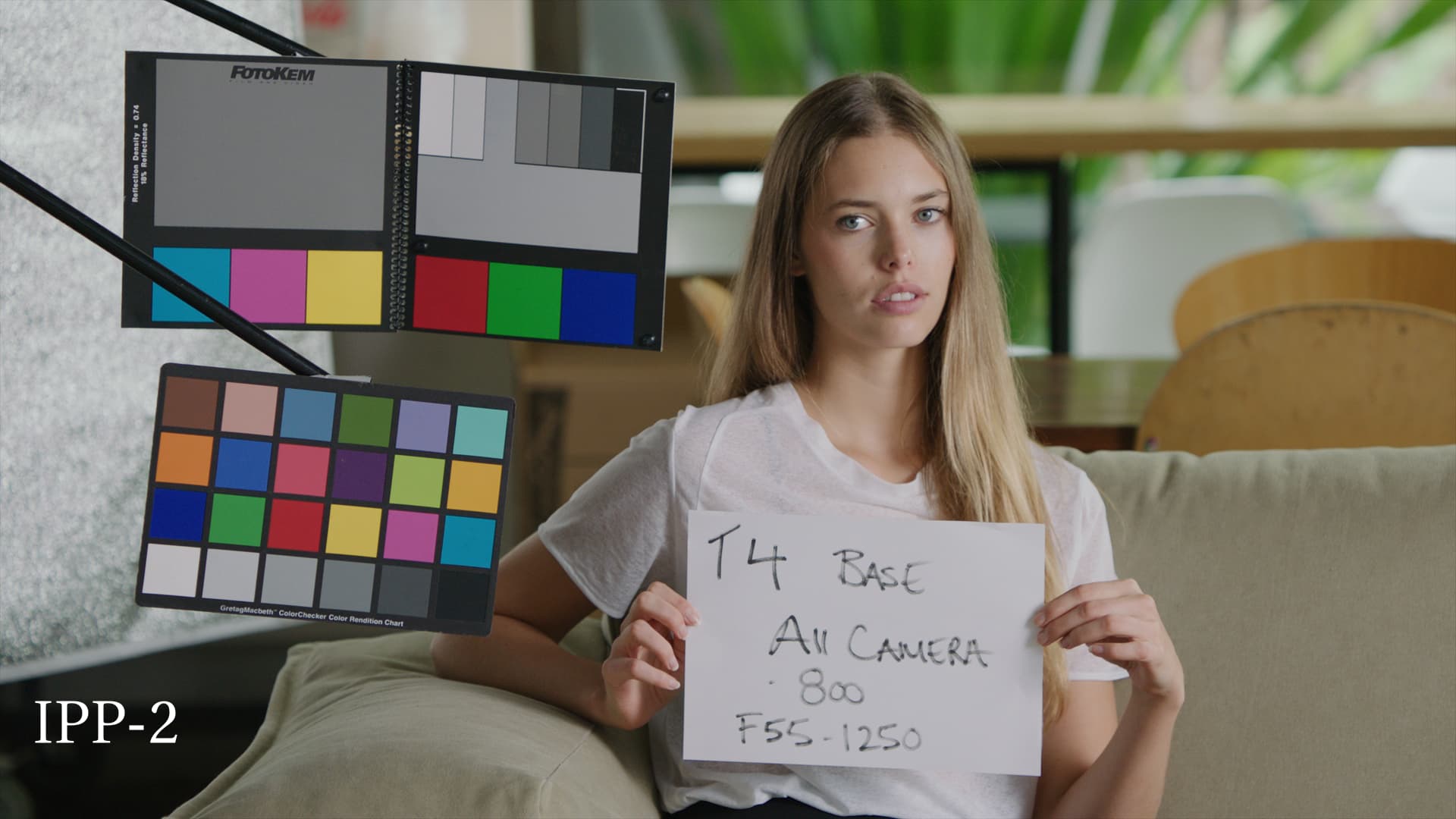
First image in each set is RED IPP-2 using a gamut convert from ACEScg to REDwide > RGB to Log3G10 > RWG_Log3G10 to REC709_BT1886 with HIGH_CONTRAST and R_4_VerySoft size_33 v1.13.cube (thanks to Jed for help with this workflow which works much better than the IPP-2 OCIO display from the VWG config I was using previously).
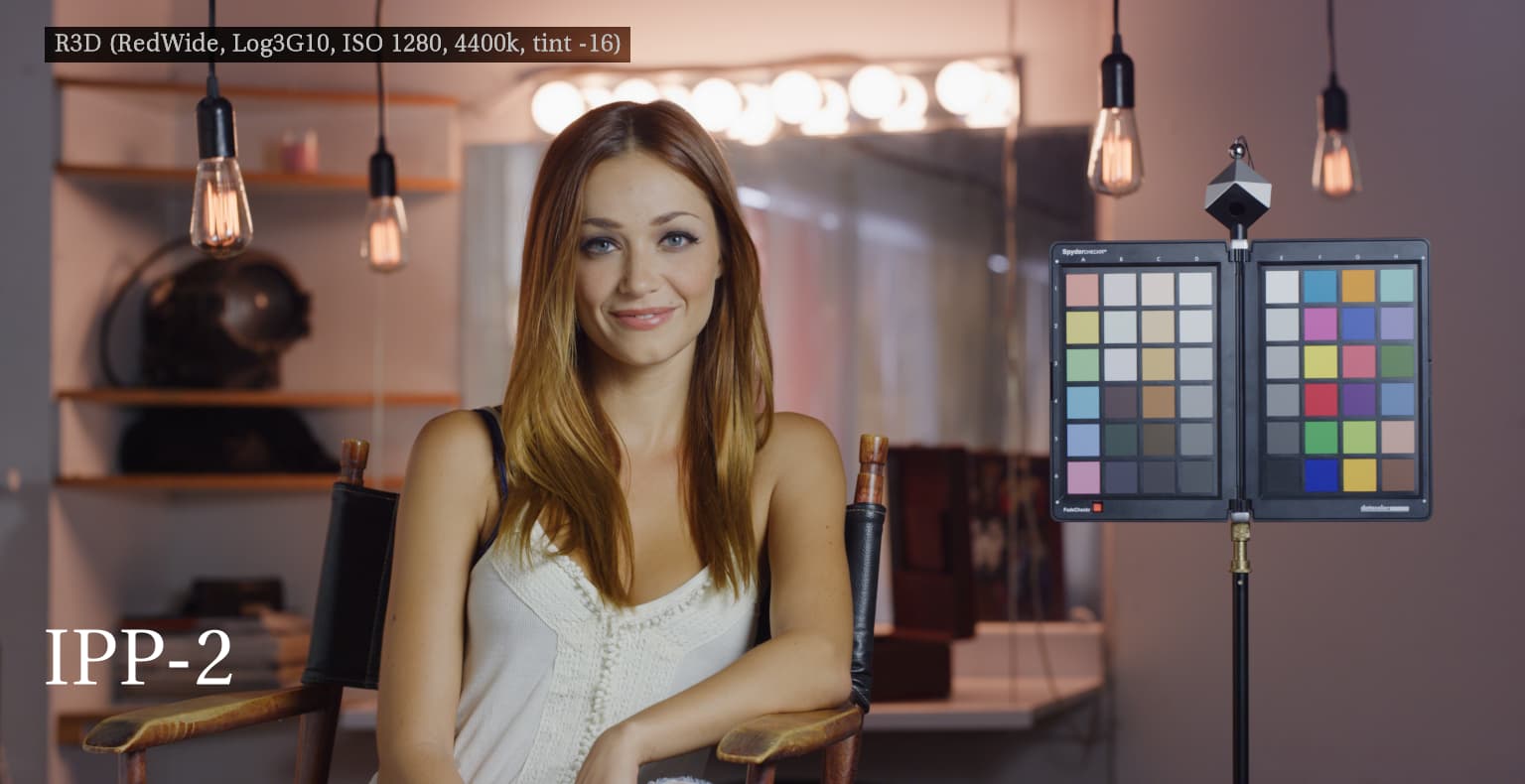
I’m using IPP-2 as a reference for an example of what appealing skin looks like. I also looked at ALF and K1S1 which also render skin nicely. My intention is not to attempt to match any of these, but rather to identify what is nice about them in how they display skin and to attempt to get the same qualities in a look for OpenDRT without any unwanted “side-effects” such as skews or changes in color.
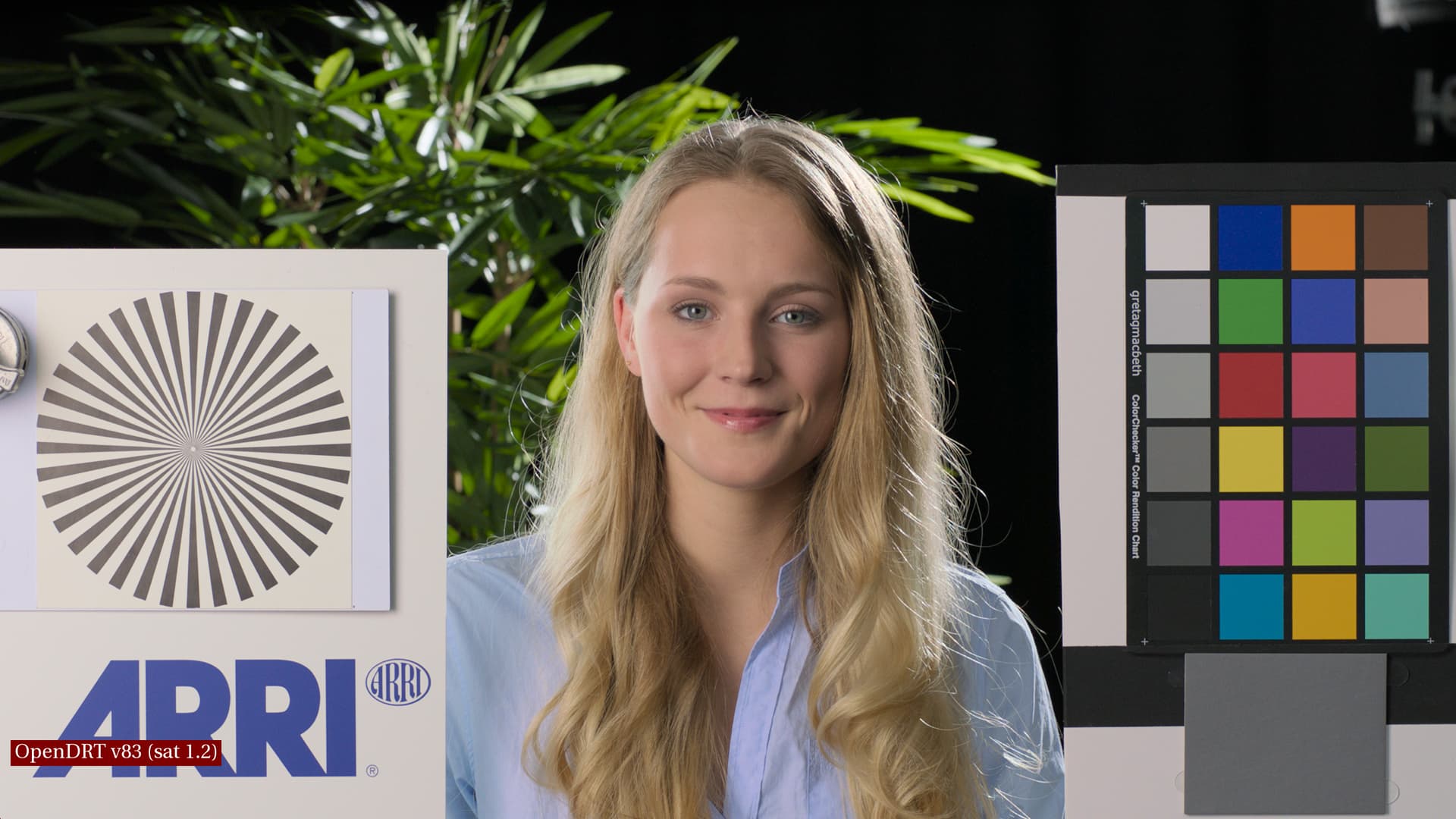
OpenDRT v83
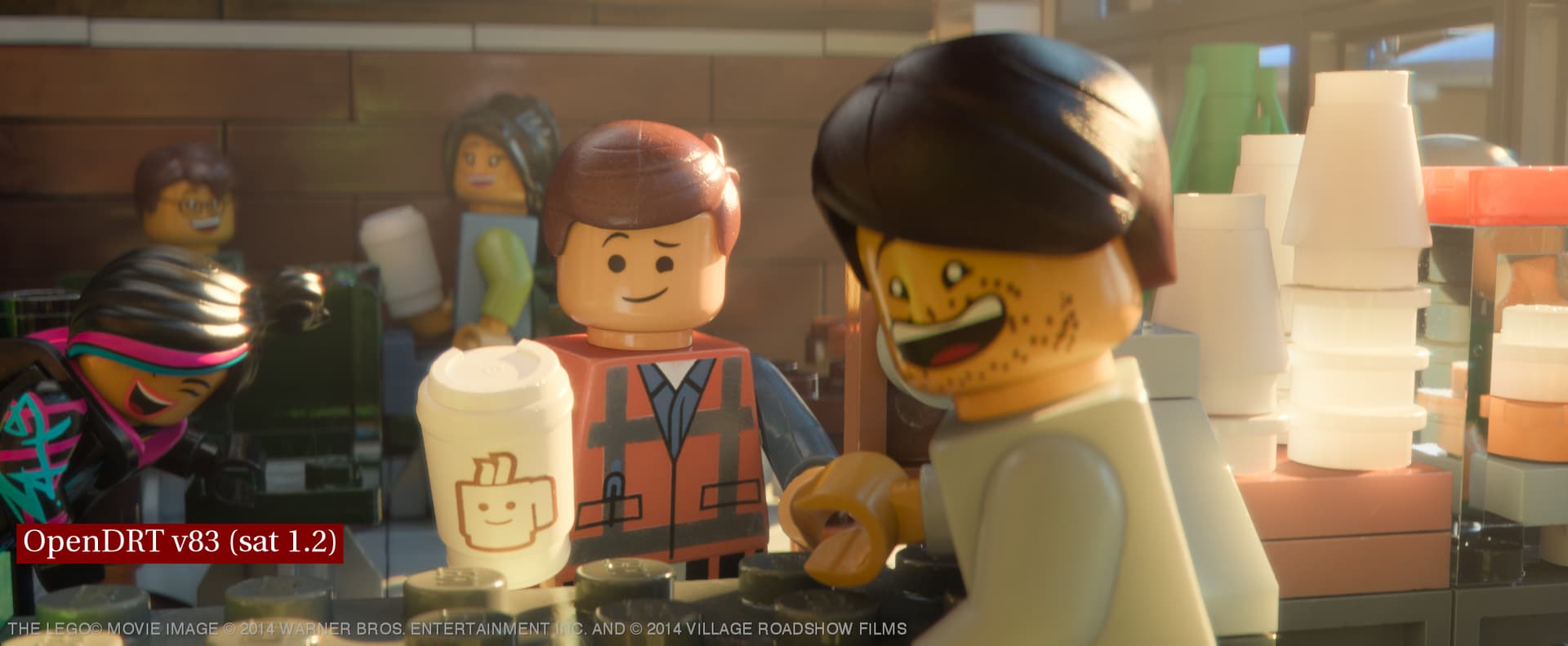
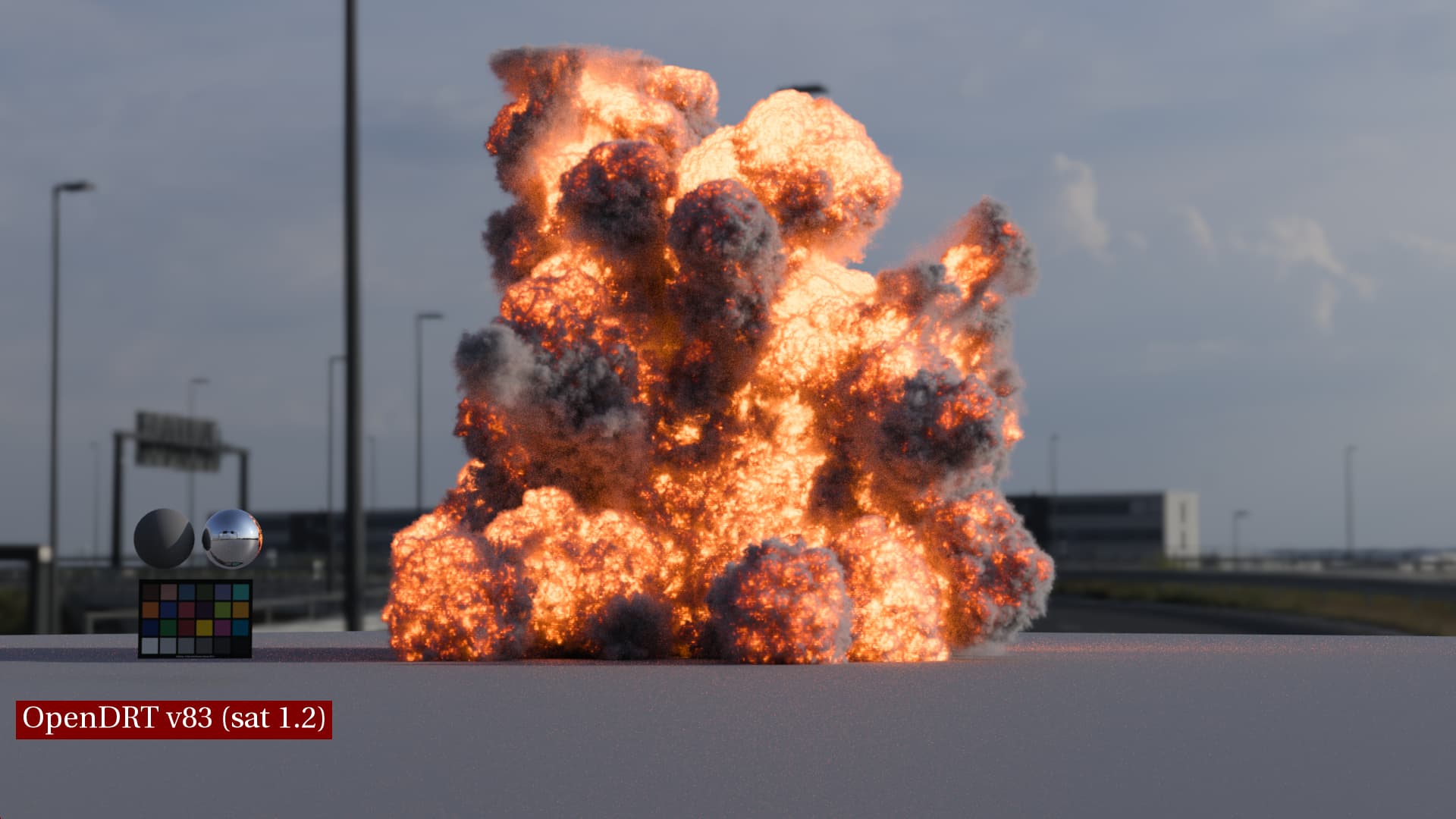
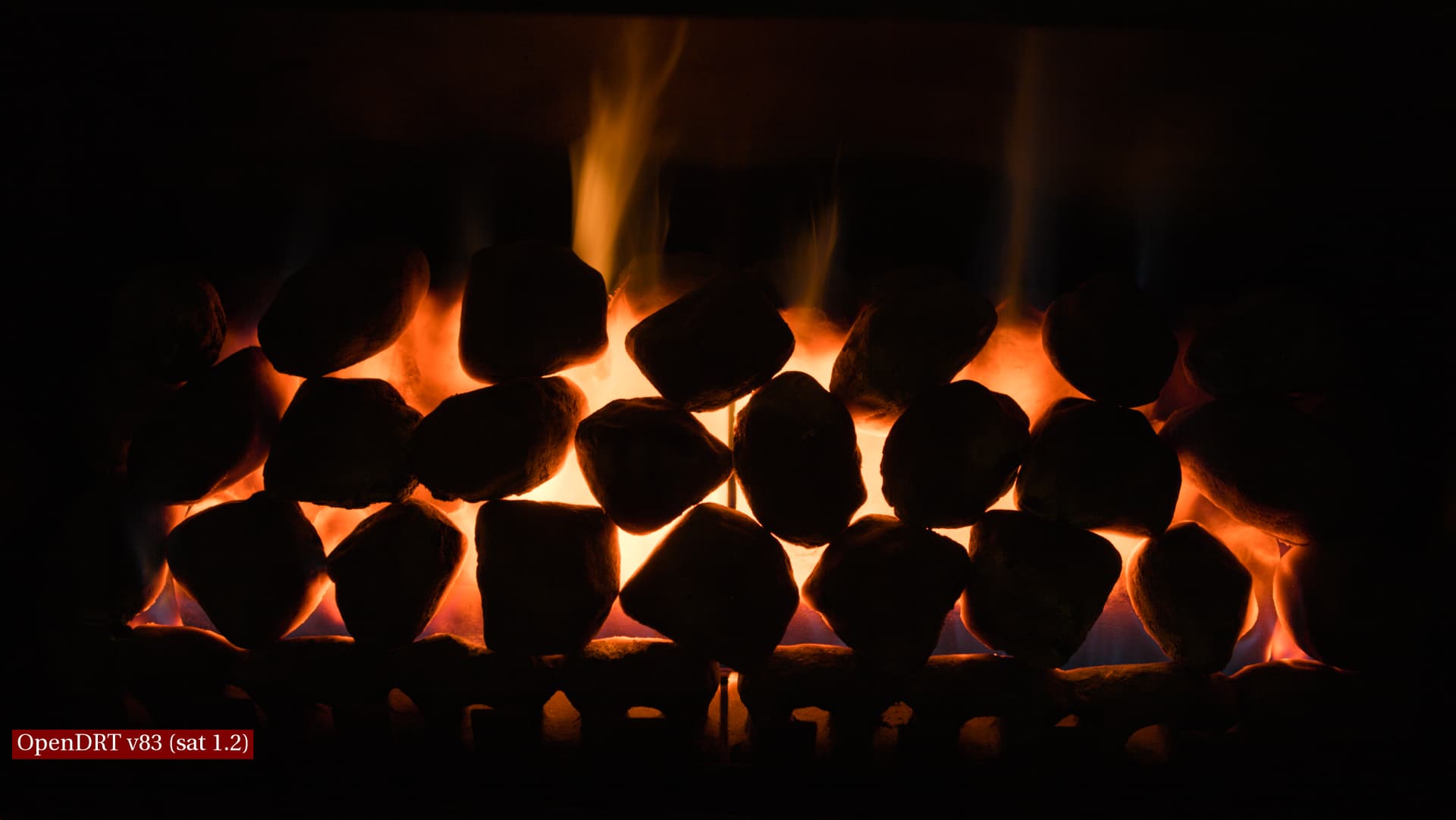
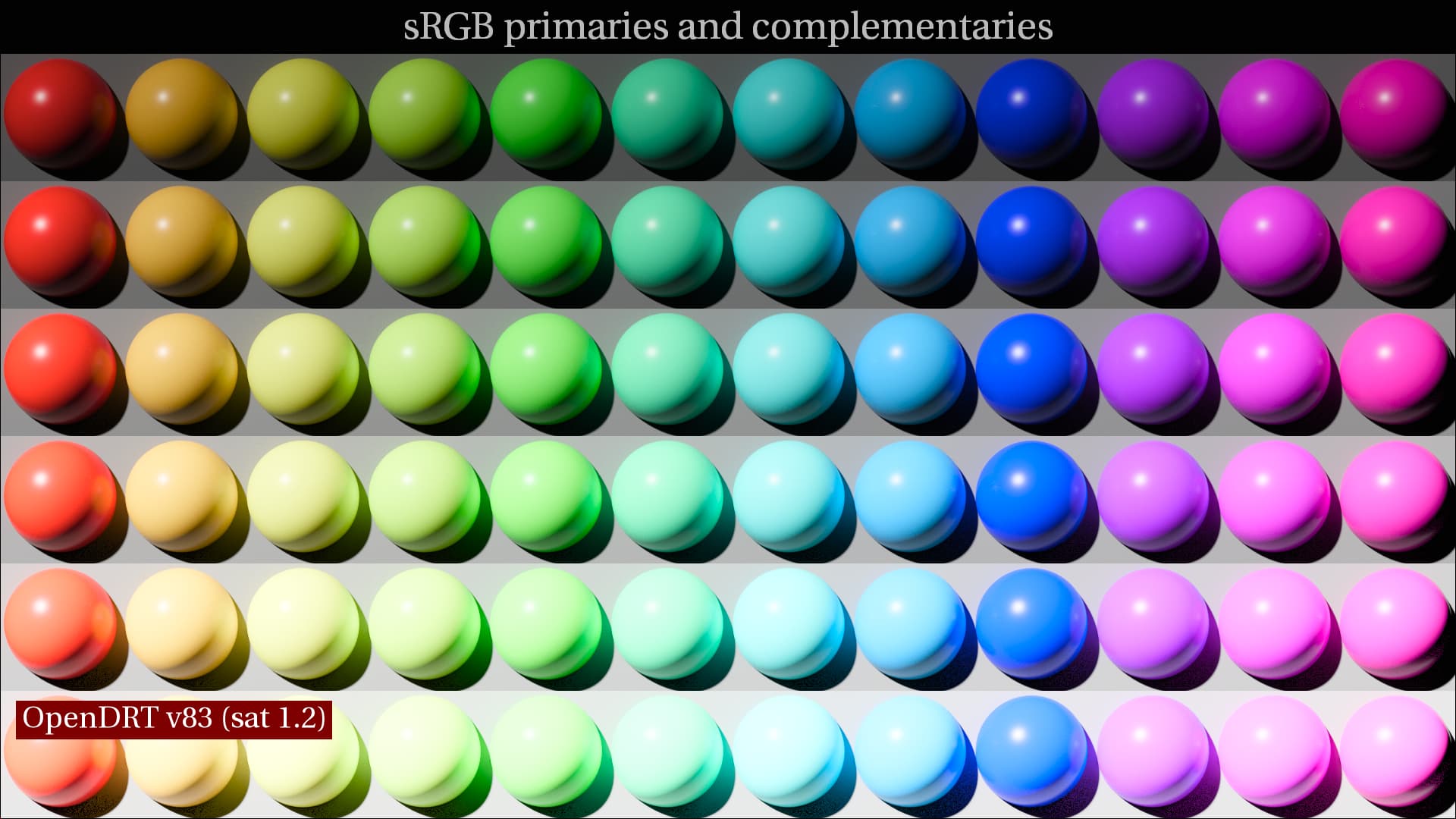
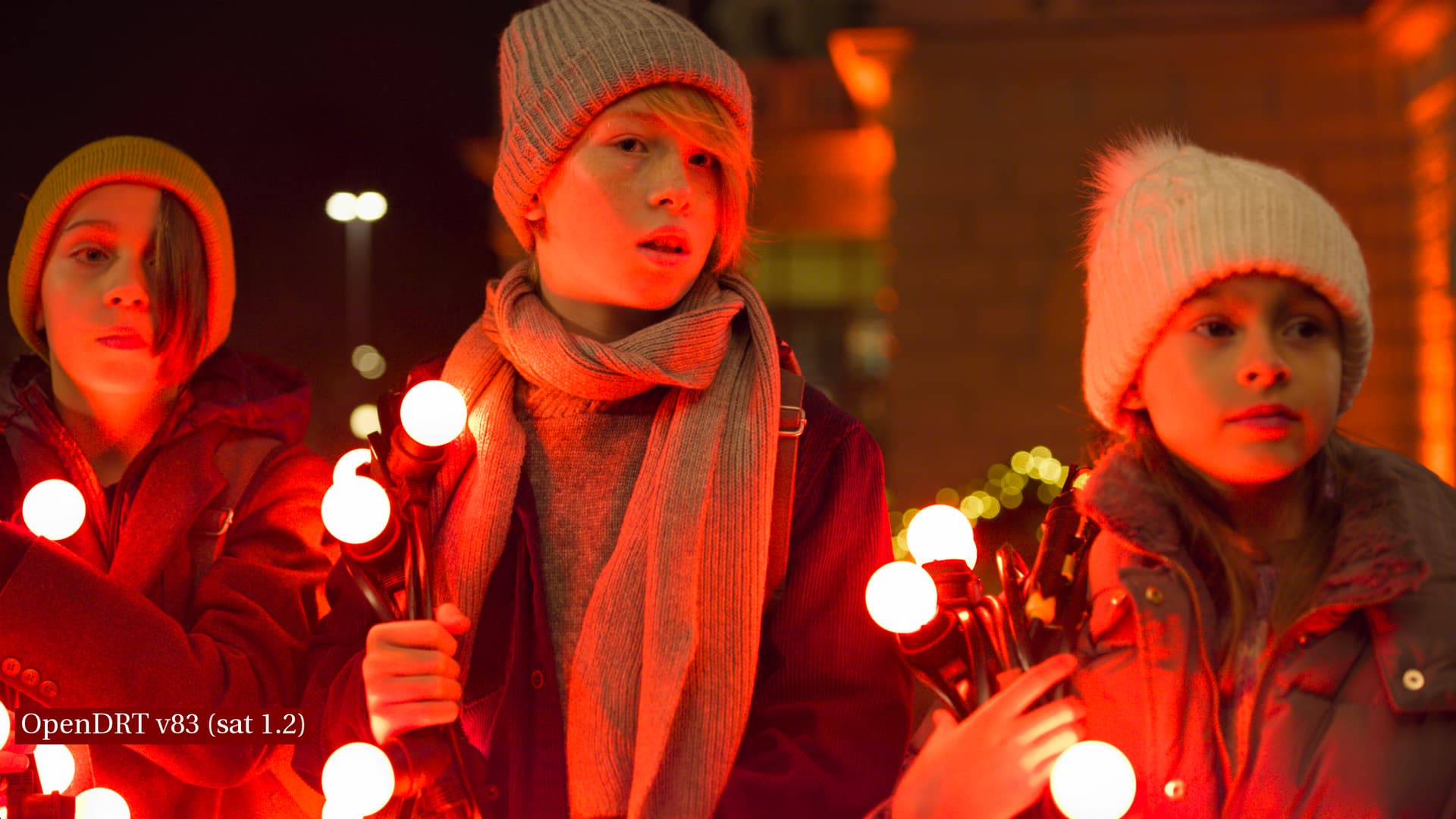
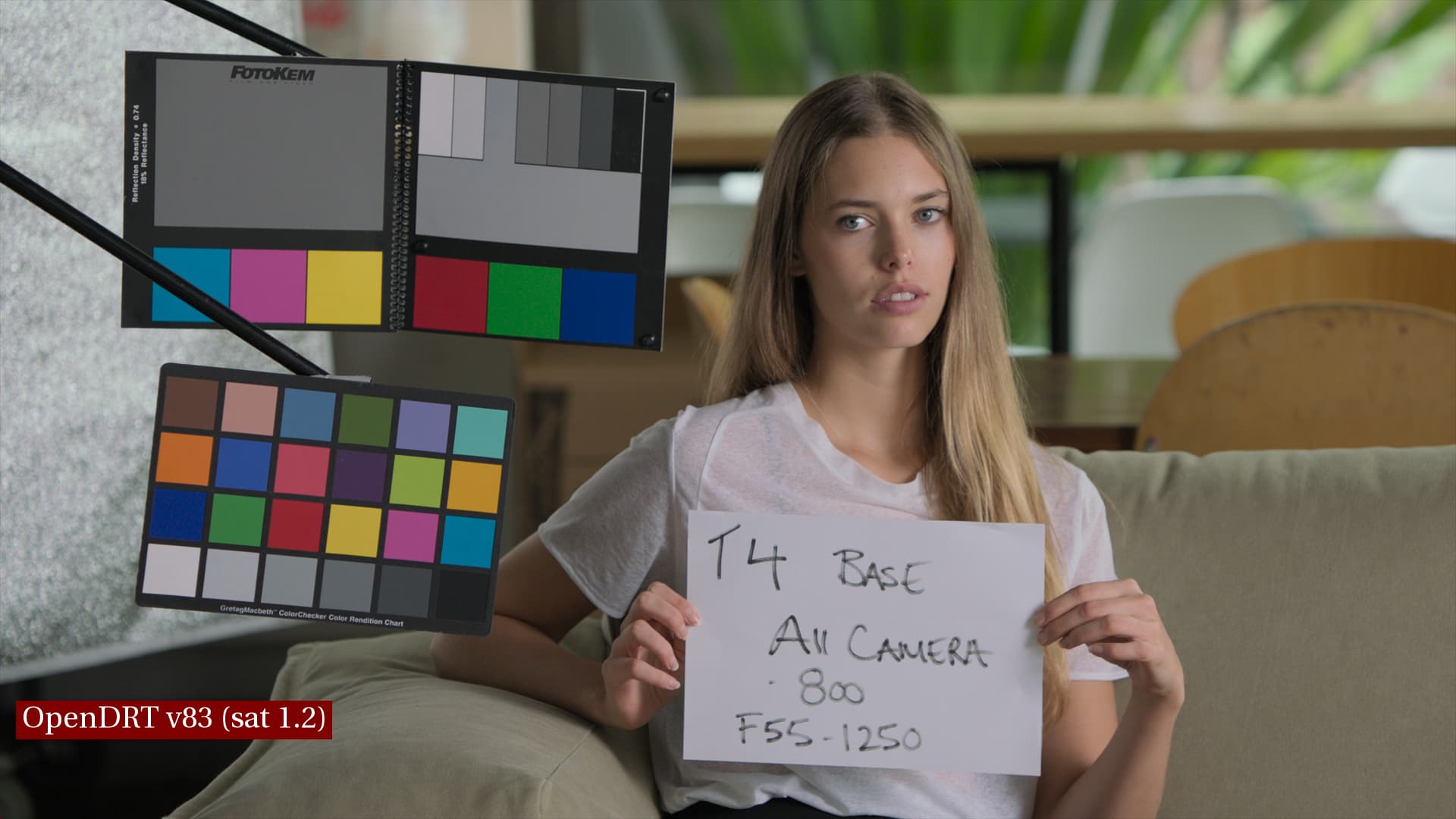
Second image in each set is OpenDRT as is. This is using OpenDRT v83 with default settings (i.e. saturation 1.2, dechroma 0.5, EOTF sRGB Display).
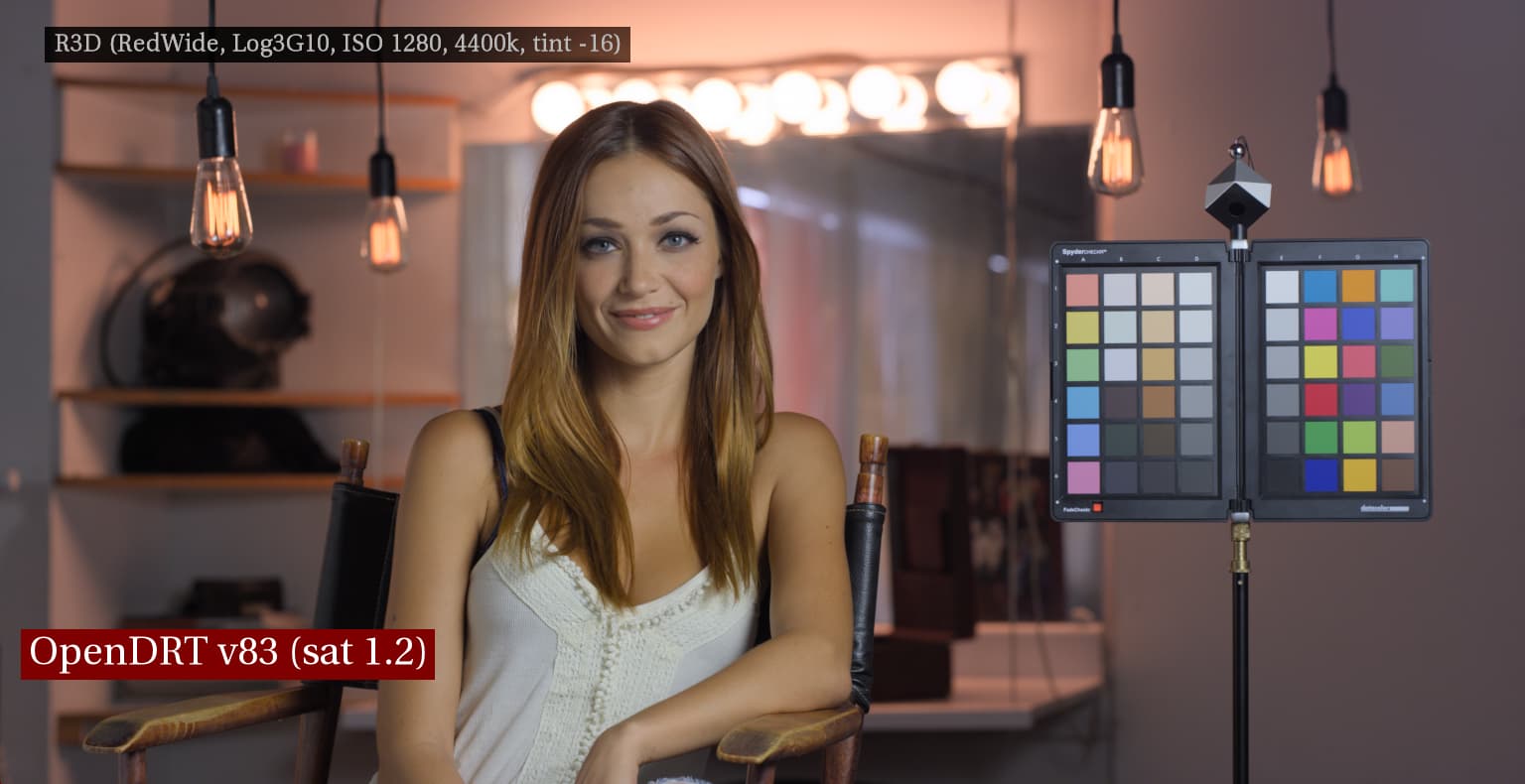
What is looking great on the skin is that the midtones and shadows are not losing saturation in v83 like they were in v82. However, compared to IPP-2 the color/saturation is looking too uniform across the subject’s face, making it look like one does when their skin is caked in foundation makeup losing skin’s natural glow (subsurface scattering), which brings me to…
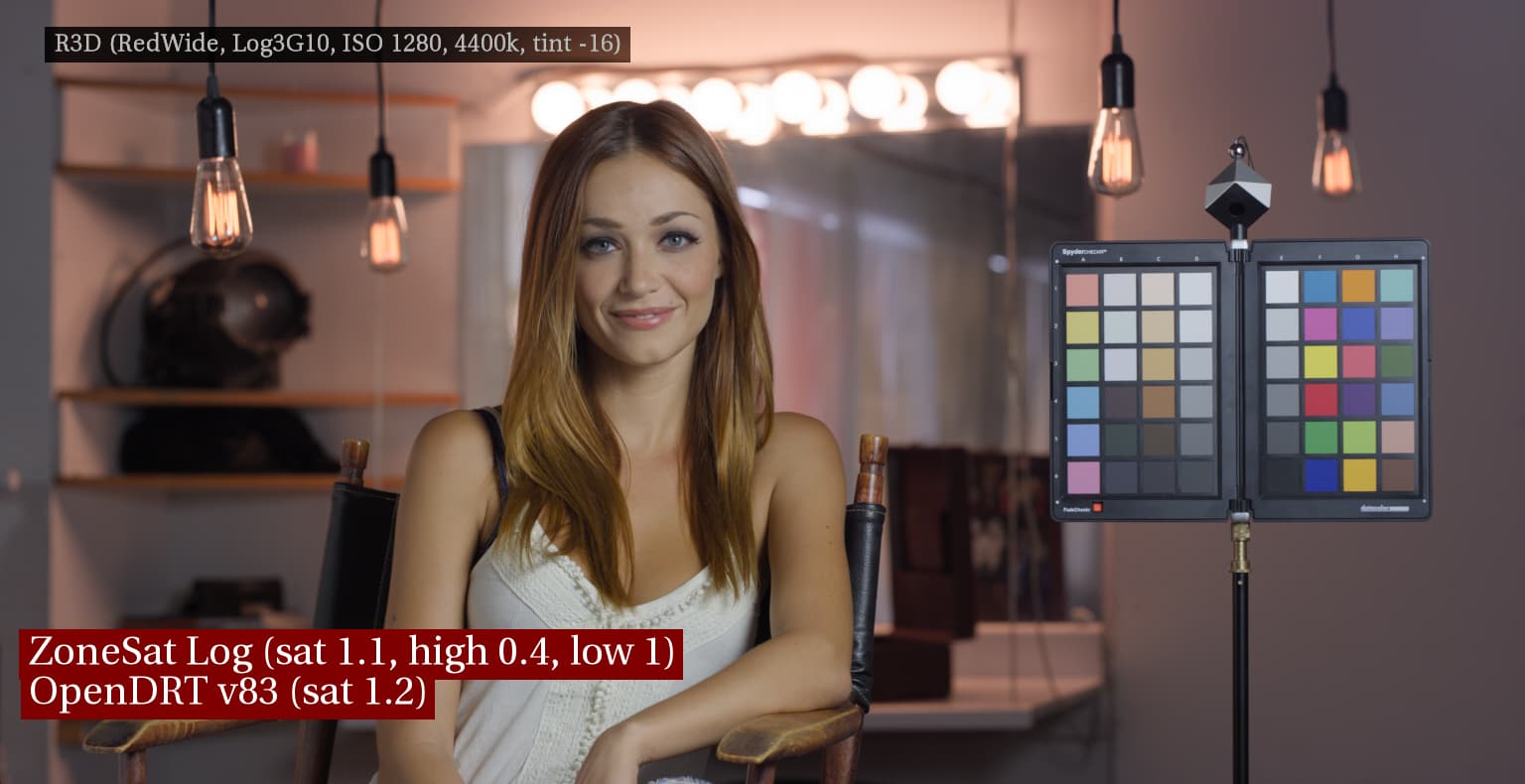
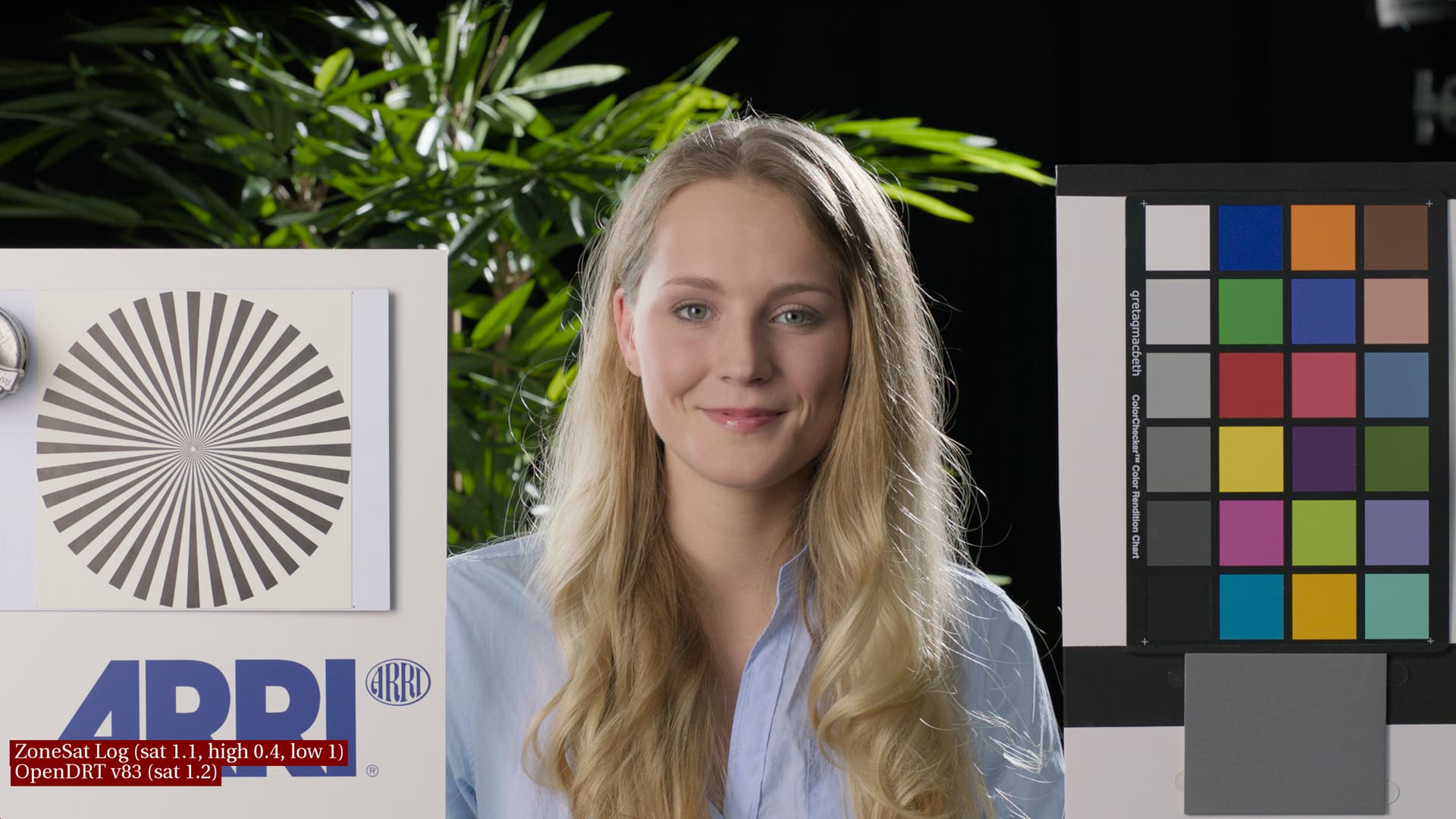
Log ZoneSat
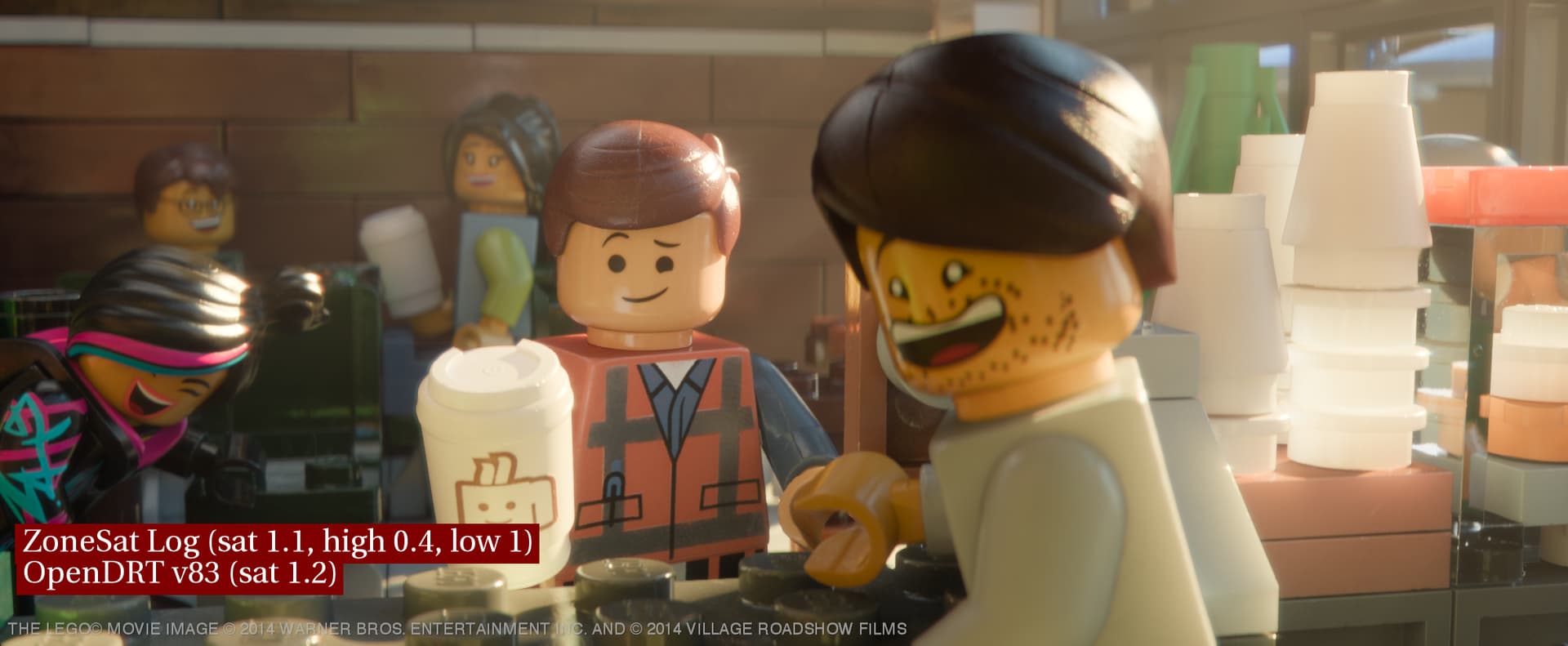
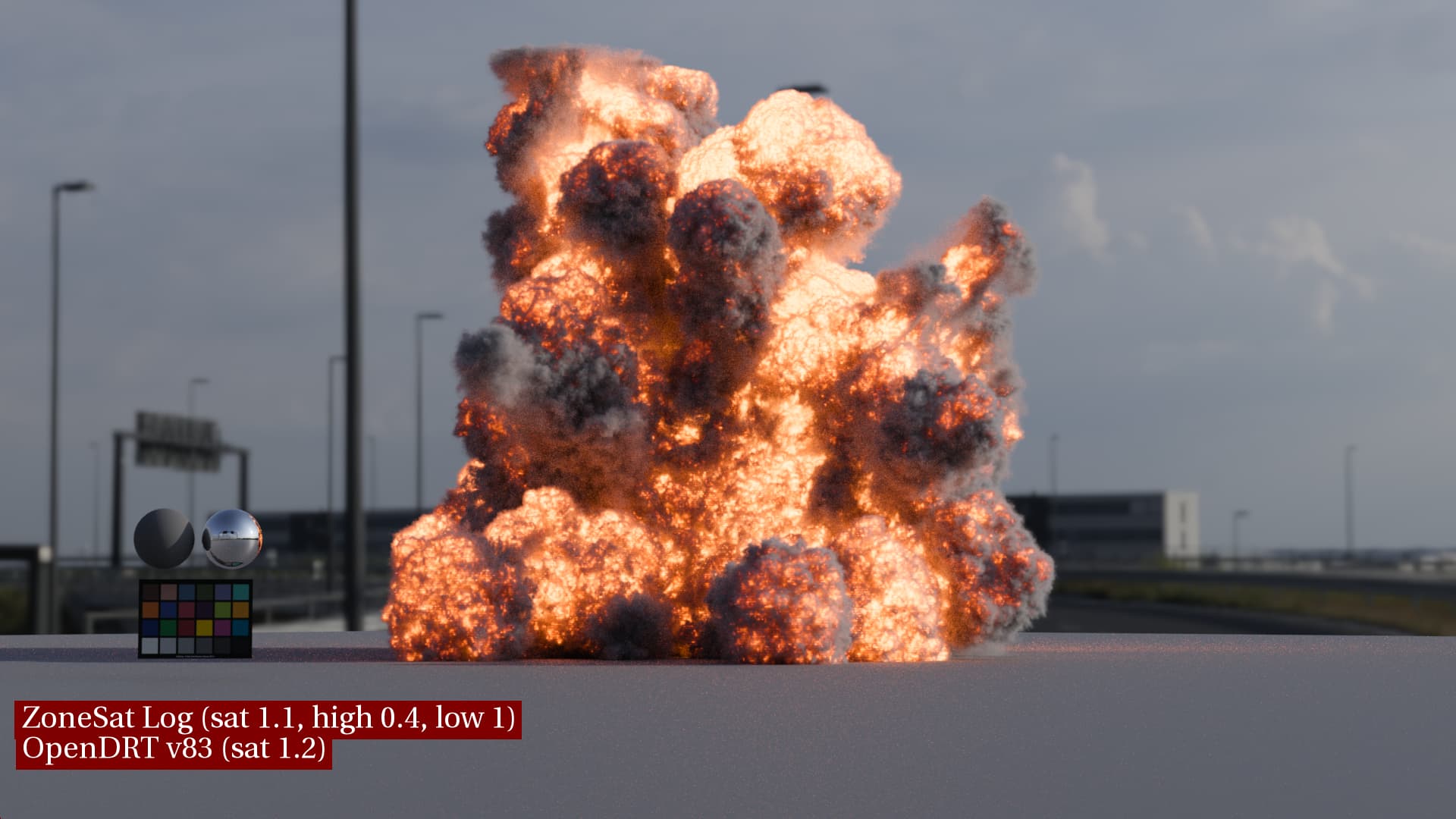
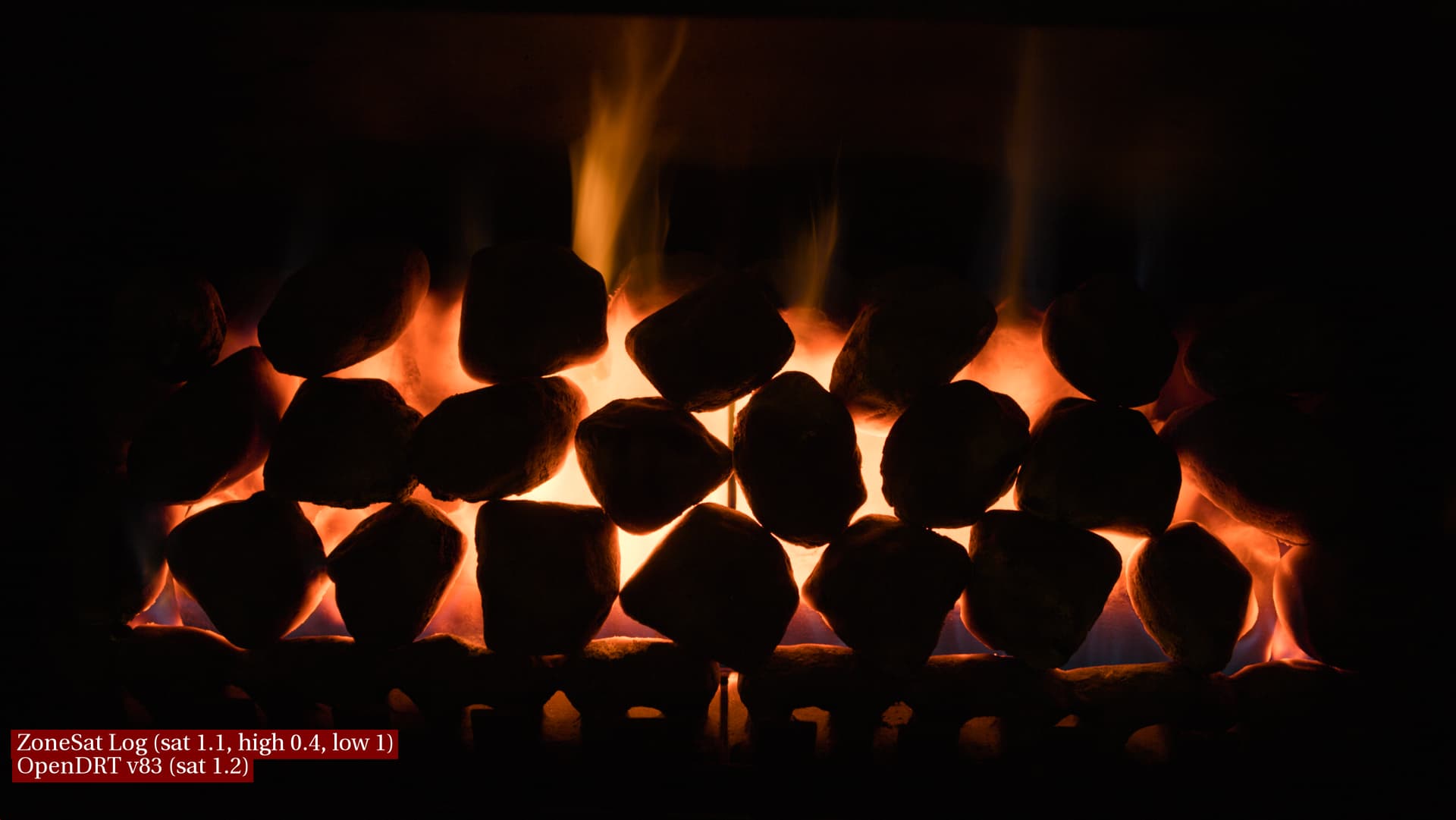
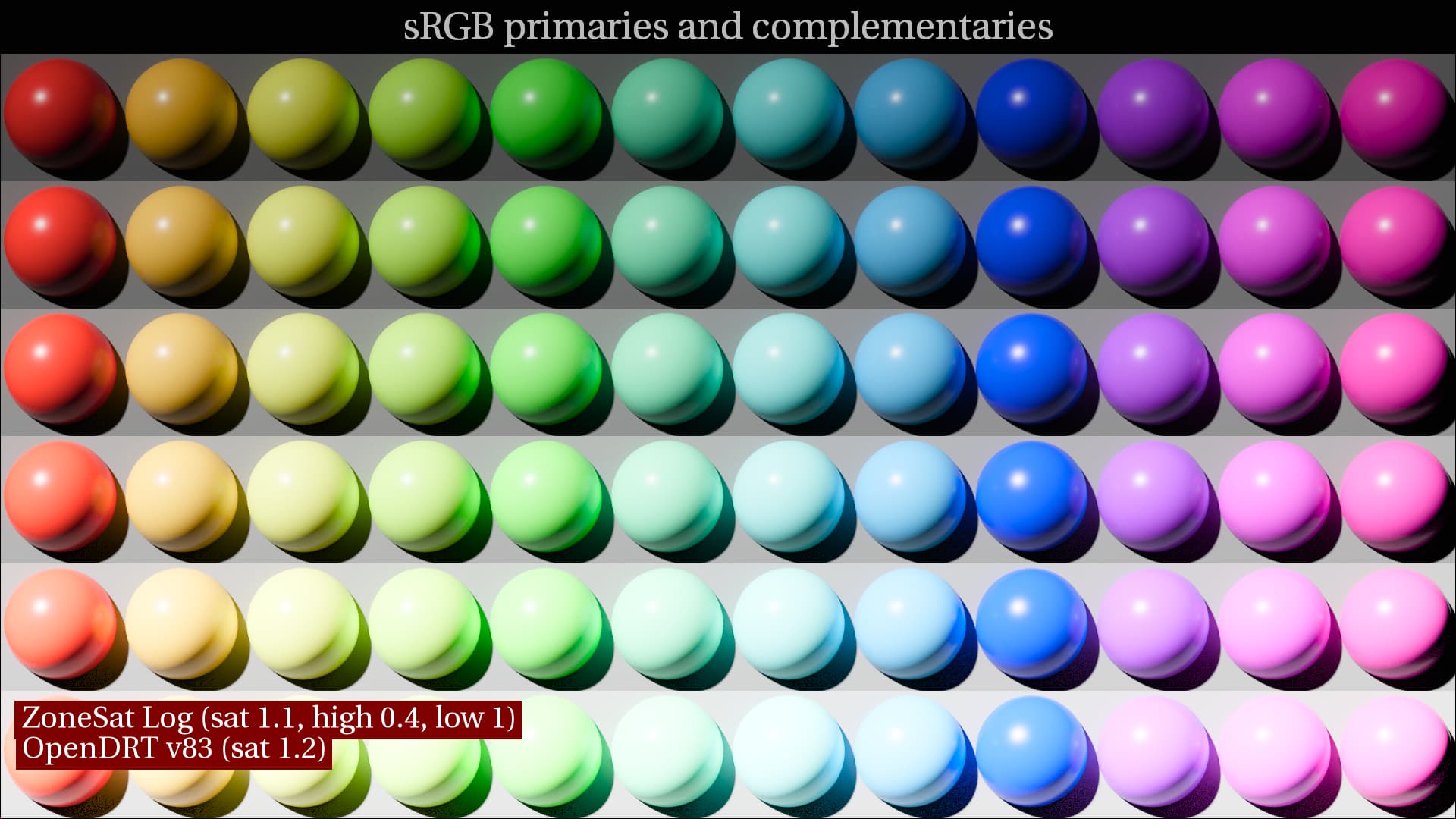
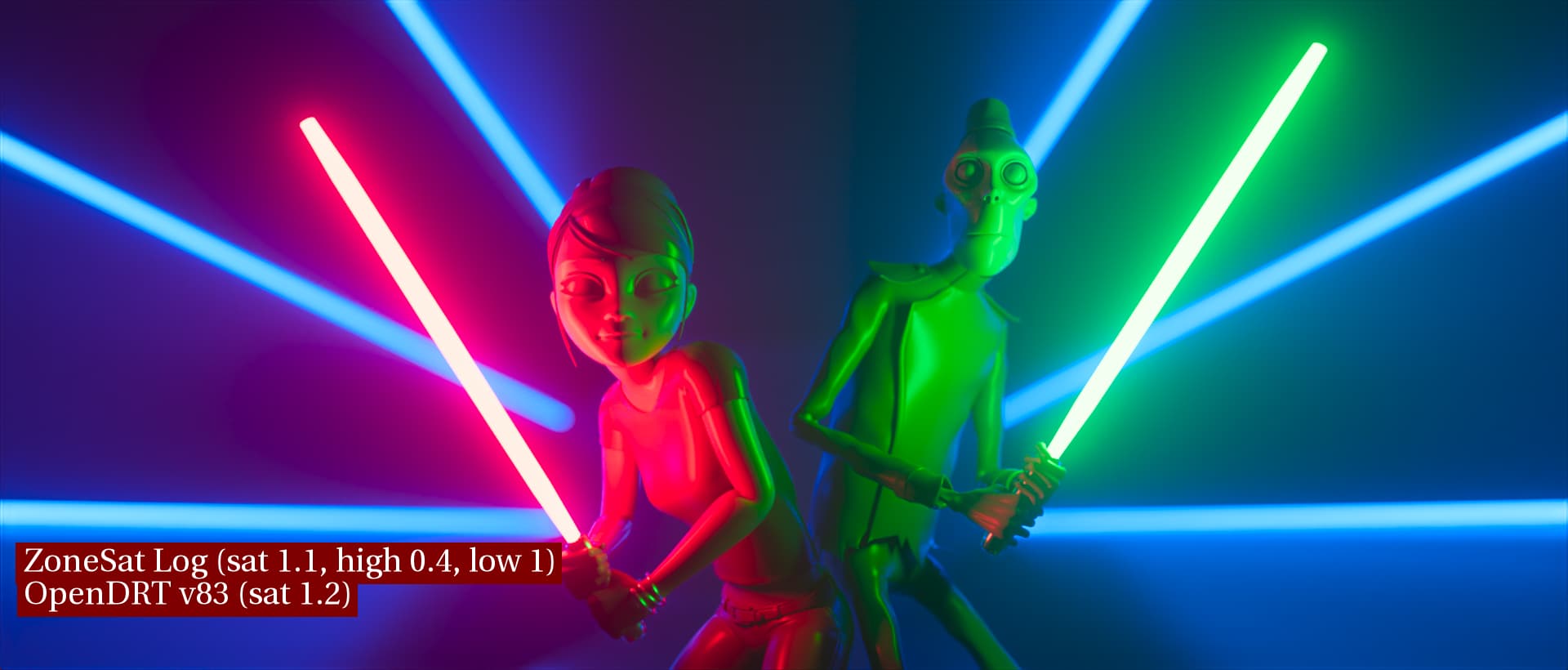
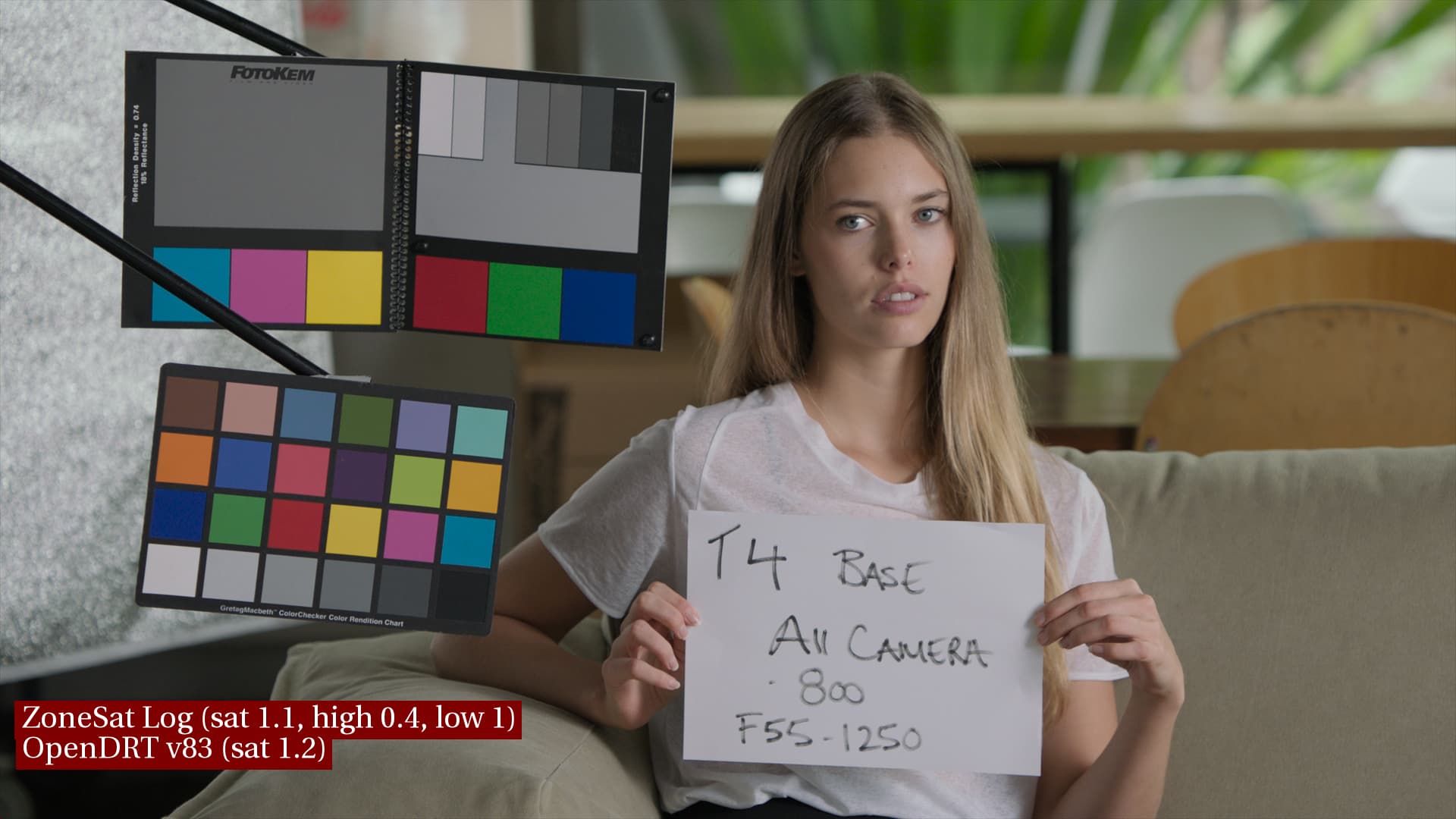
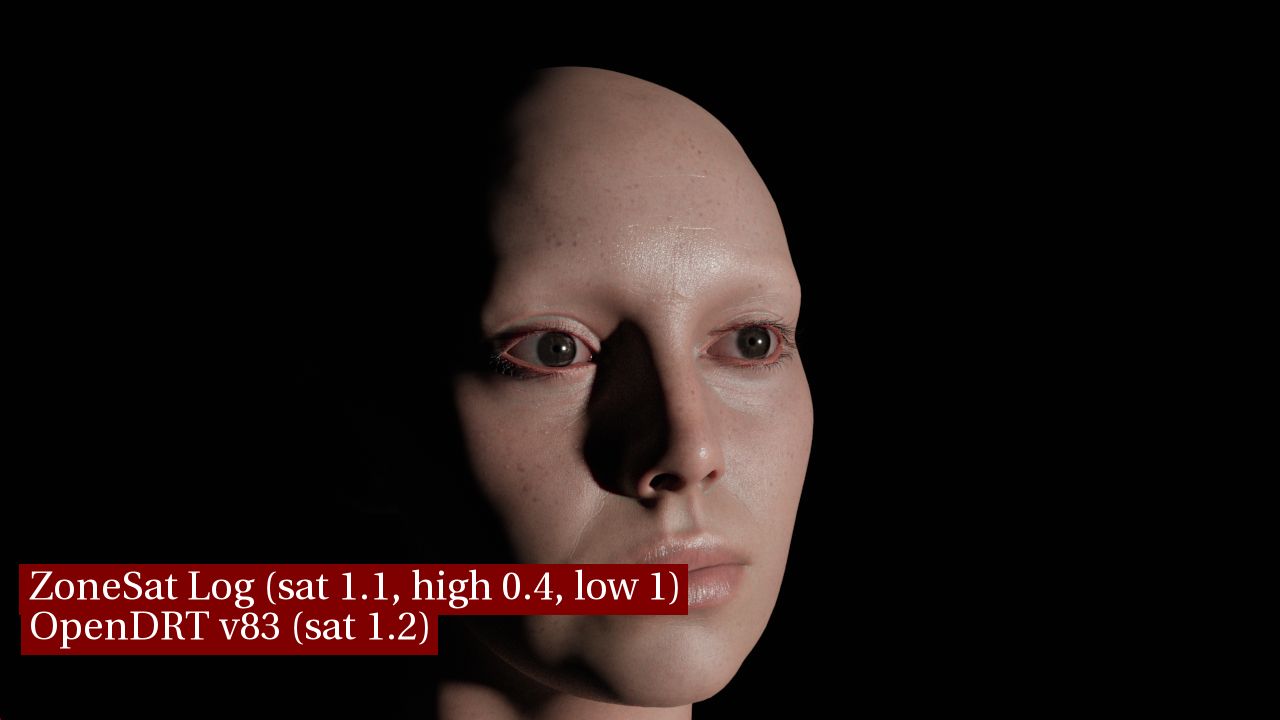
Third image in each set adds the latest log ZoneSat from Jed upstream to OpenDRT. My aim of the ZoneSat is to address the saturation looking too uniform across the subject’s face as noted above. My understanding of why DRTs like RED IPP-2 does not do this is that this is a “happy accident” of the per-channel approach where highlight saturation is decreased and hues skew towards the secondaries, in this case skewing skin towards yellow.
I’d like to keep the good parts of that “happy accident” (the desaturated highlights) and “spit out the seeds” avoiding any color skews, as color fidelity is what I especially like as an artist about OpenDRT. I’m therefore desaturating the highlights with ZoneSat, while striving to not lose saturation elsewhere (for example in the color checker swatches), in particular I’m looking to preserve saturated yellow, which ACES notoriously has a hard time with, but is coming through nicely in OpenDRT.
I made the overall saturation in the ZoneSat 1.1, with the goal not to increase saturation, but rather to keep it looking the same as it did in OpenDRT. These settings are just my preliminary tinkerings, and certainly more experimentation is needed! I’m thinking now it may make more sense to make the overall sat 1.0 and instead make the low sat 1.2, which gives virtually identical results but perhaps in a more intuitive way.
Here’s some more image sets with skin, in the same order as above.
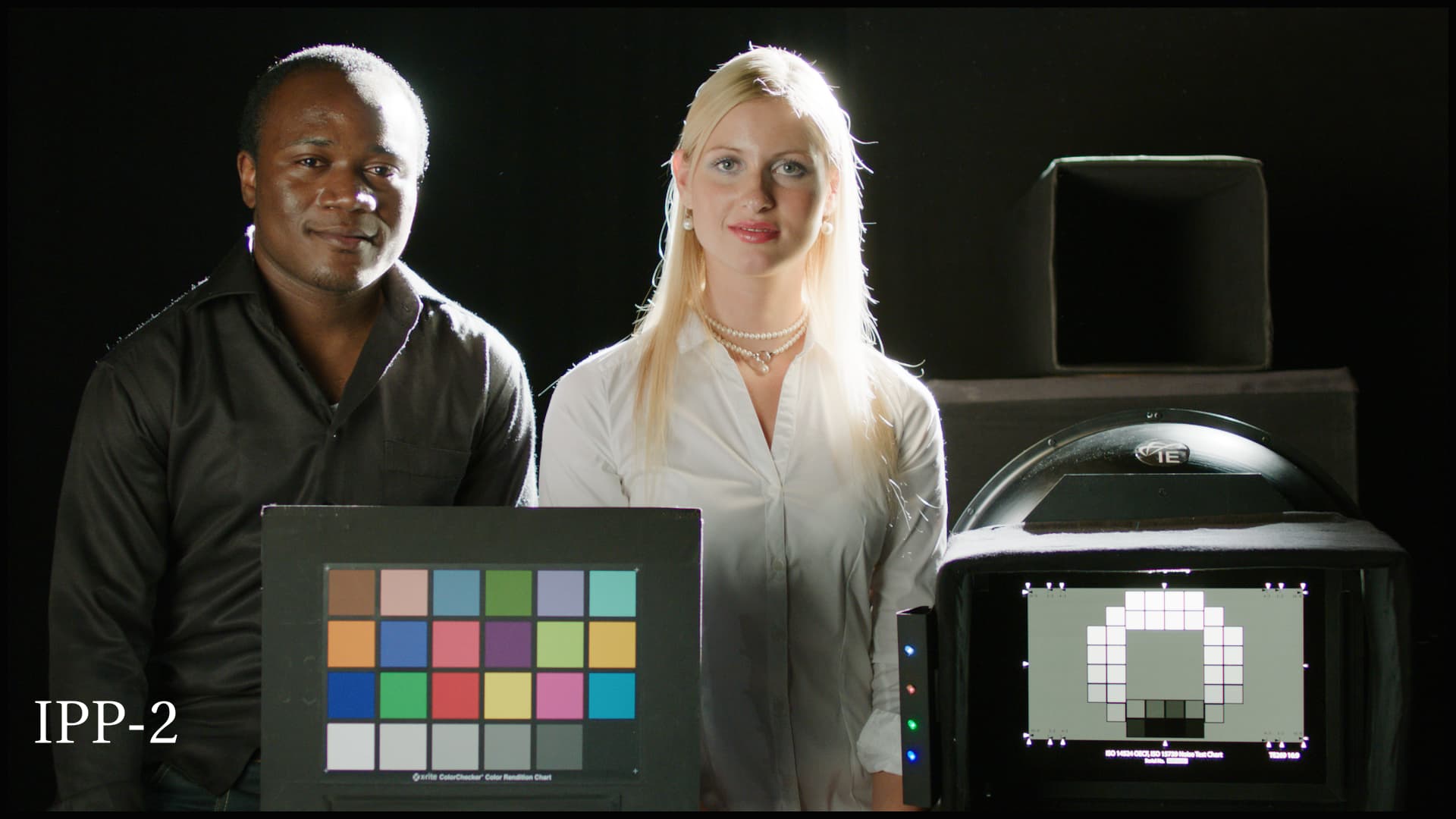
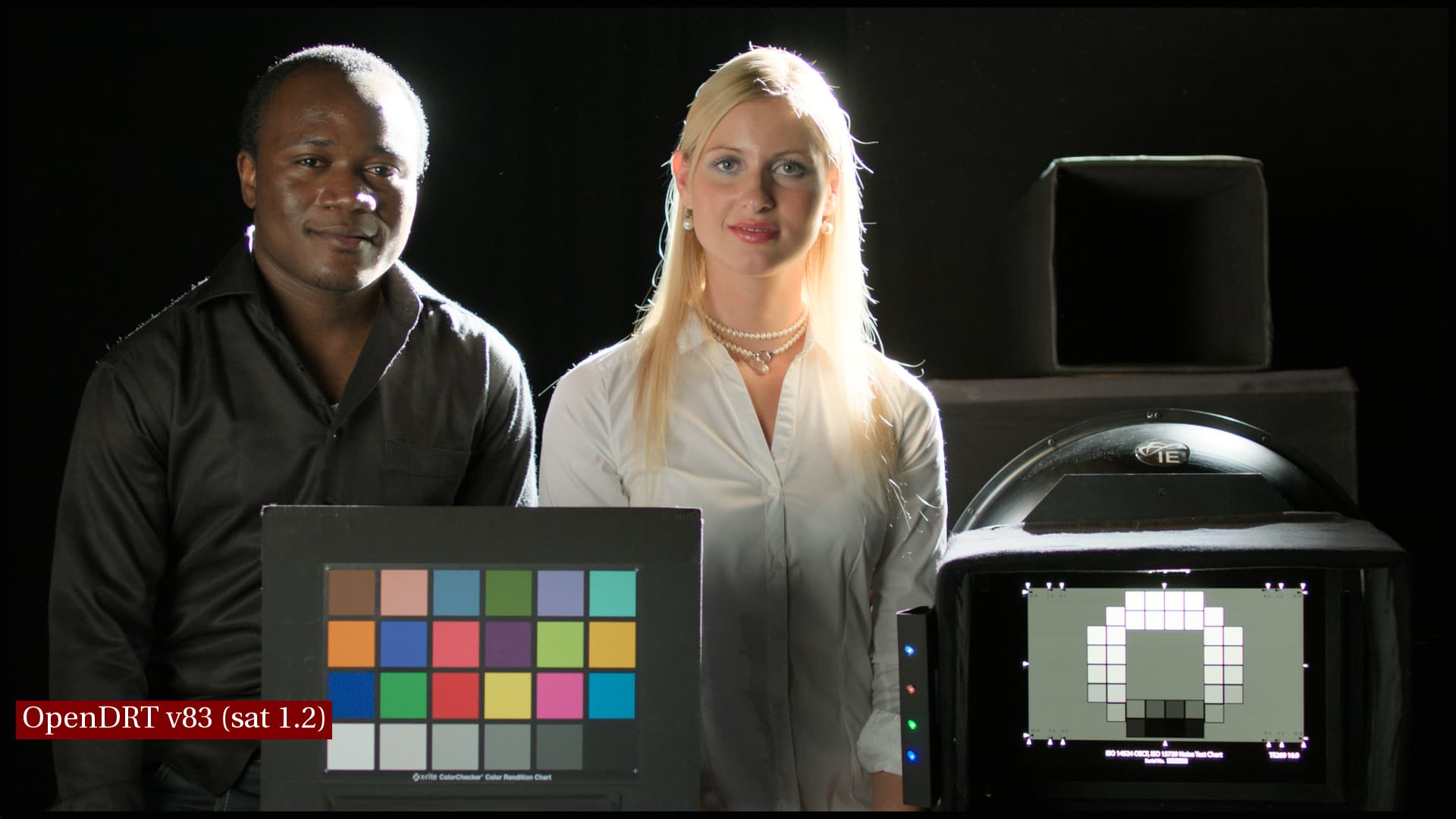
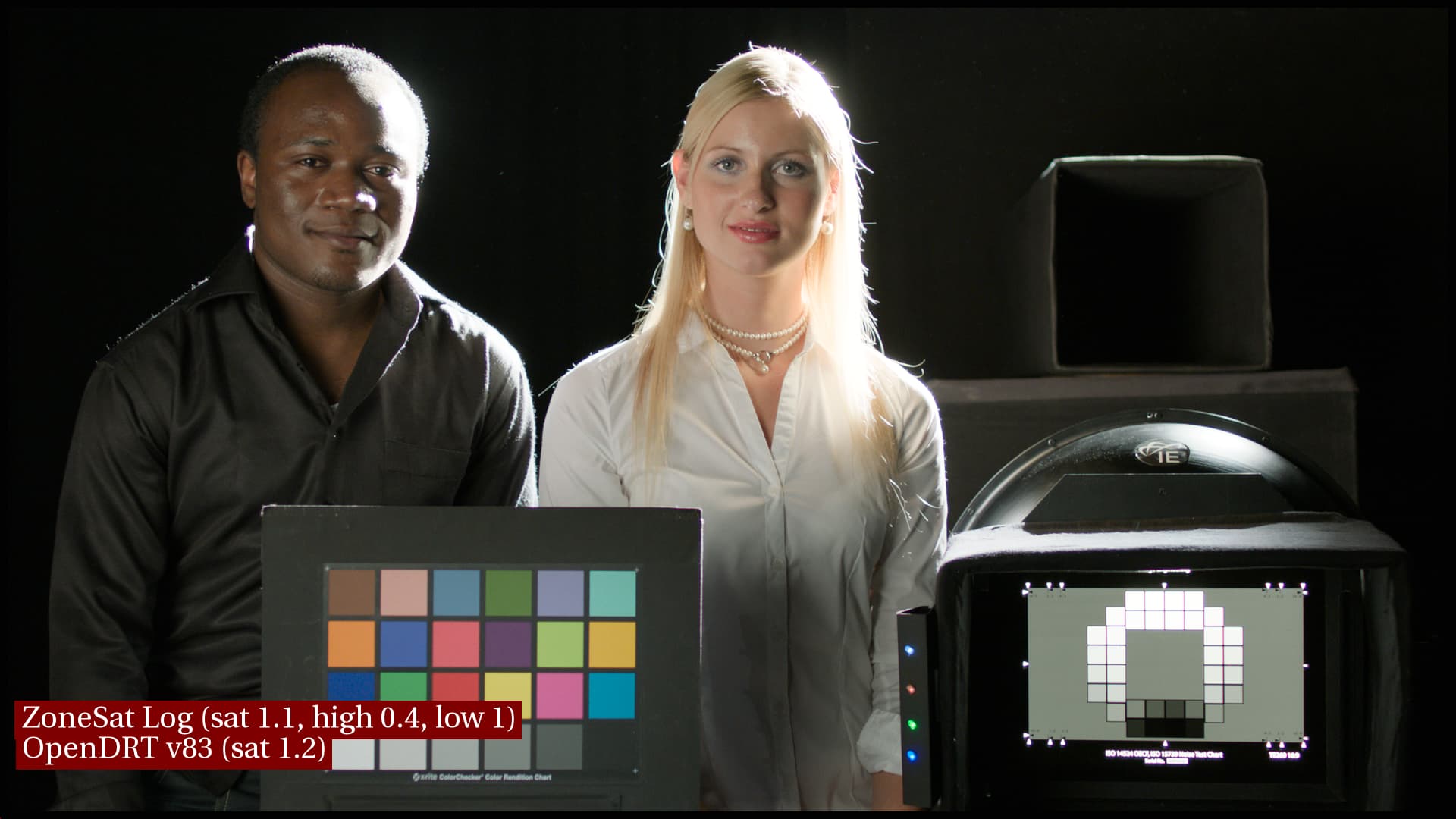
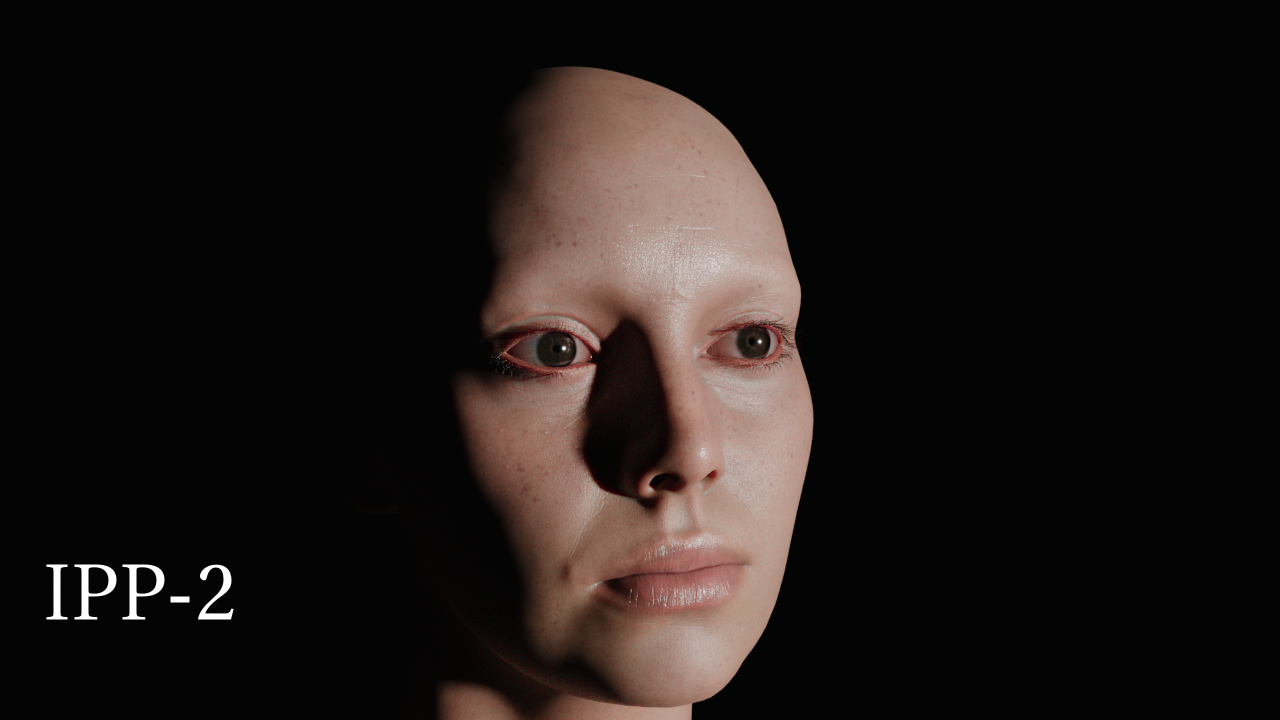
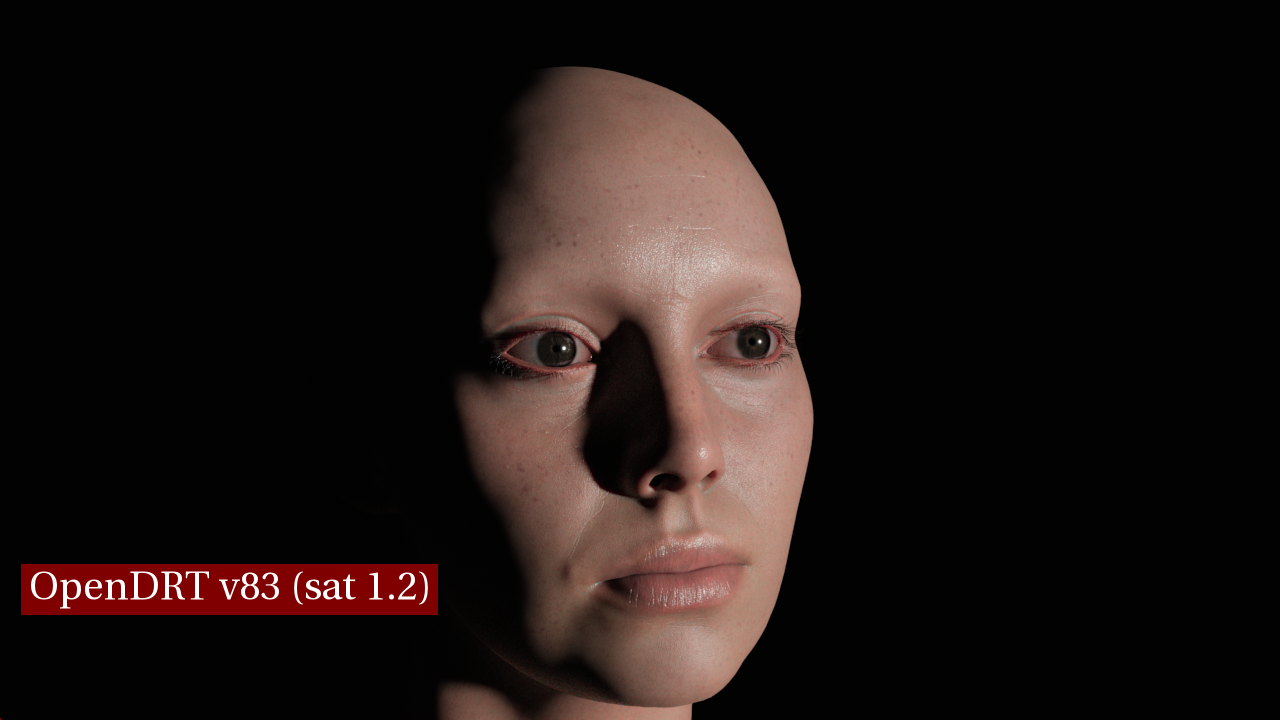
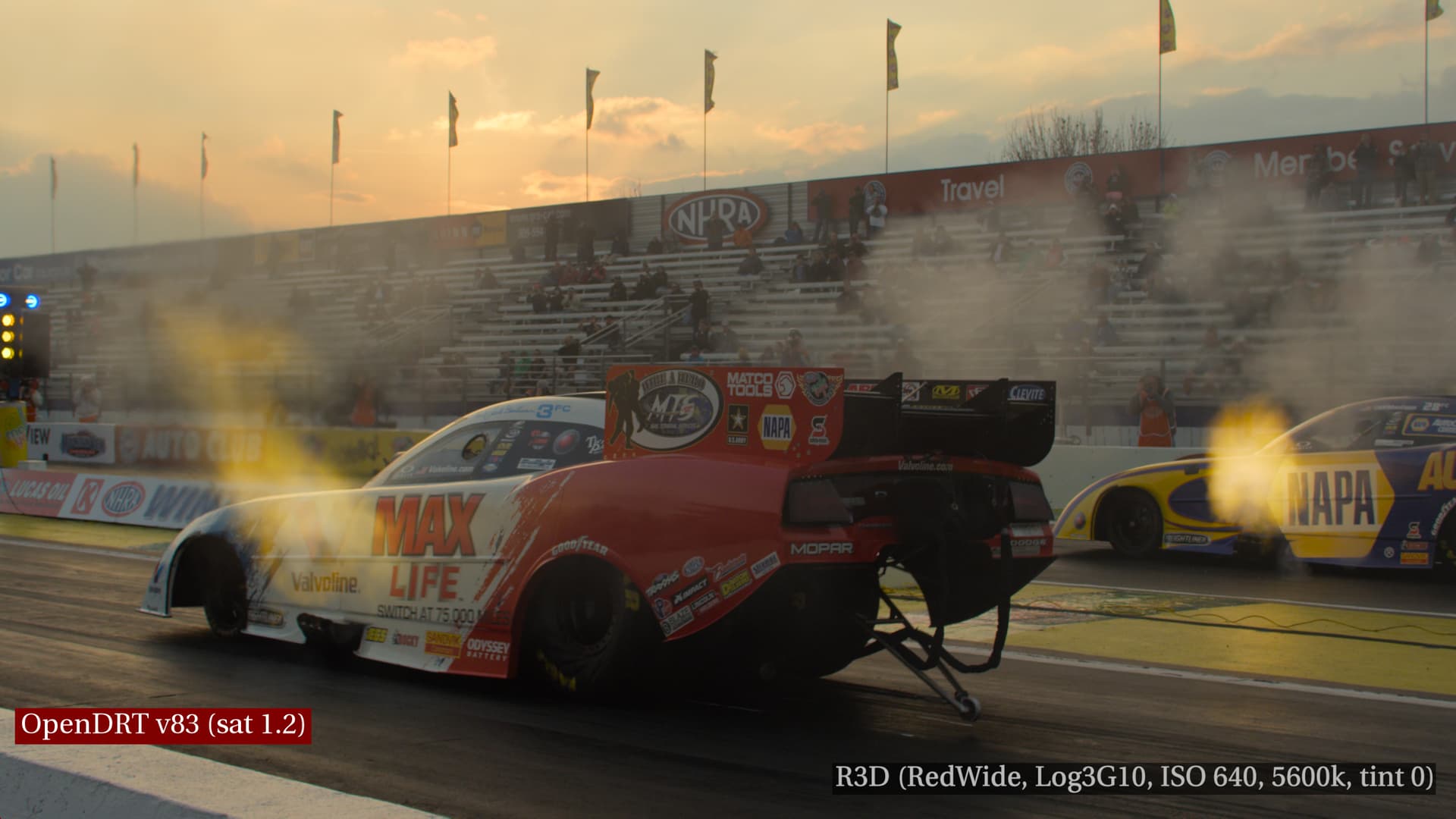
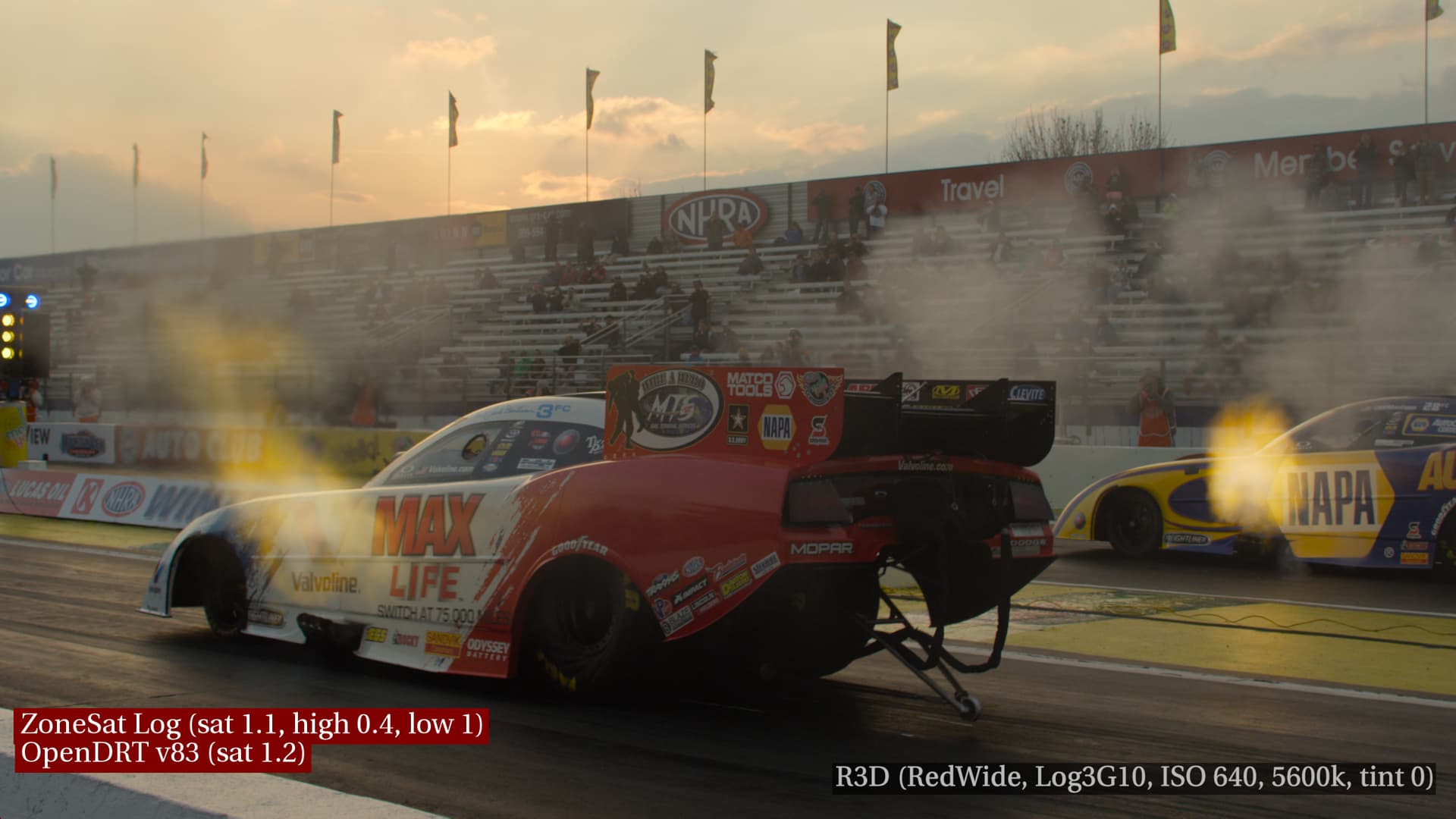
Finally, here are some other test images to show how they are affected by the look. I’m excluding IPP-2 from these and just showing OpenDRT and OpenDRT+look