I was replying but @TooDee beat me to it and explains it perfectly.
I tested your workflow on a Windows machine that doesn’t have the ACEScg icc profile.
In that case you’d have to convert from say Linear sRGB (default) to the working space inside Affinity to correct the mismatch with an OCIO adjustment layer.
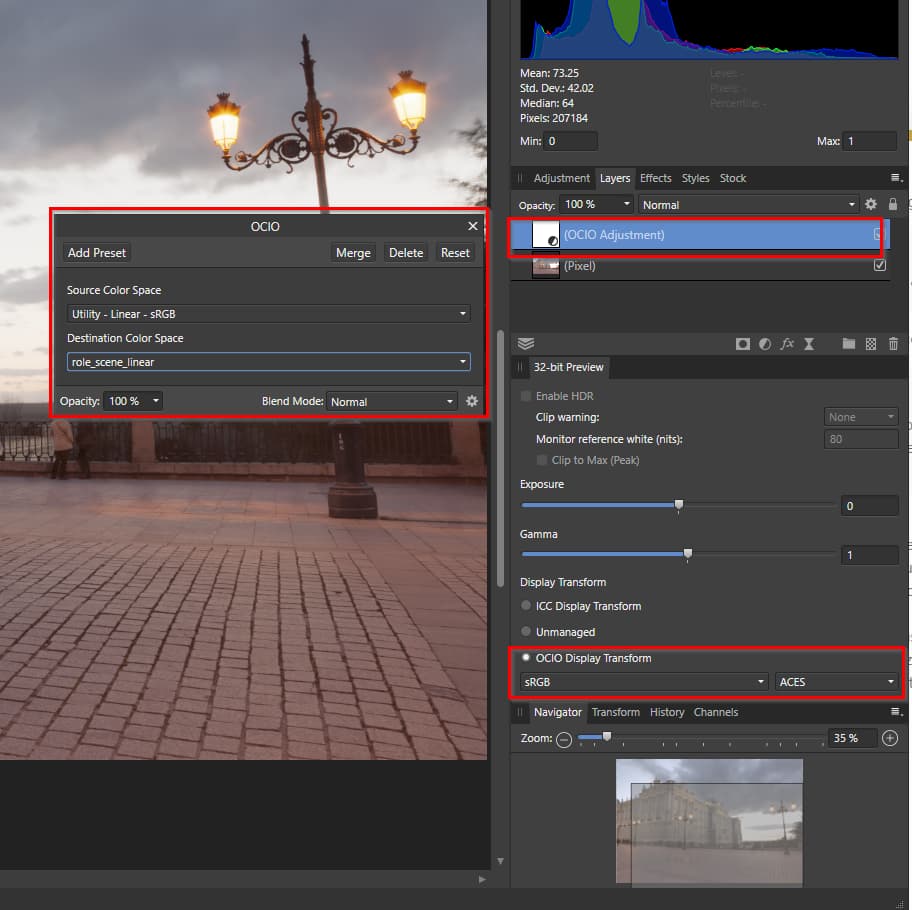
Then in Resolve set the IDT to ACEScg on the exported EXRs and it should match.
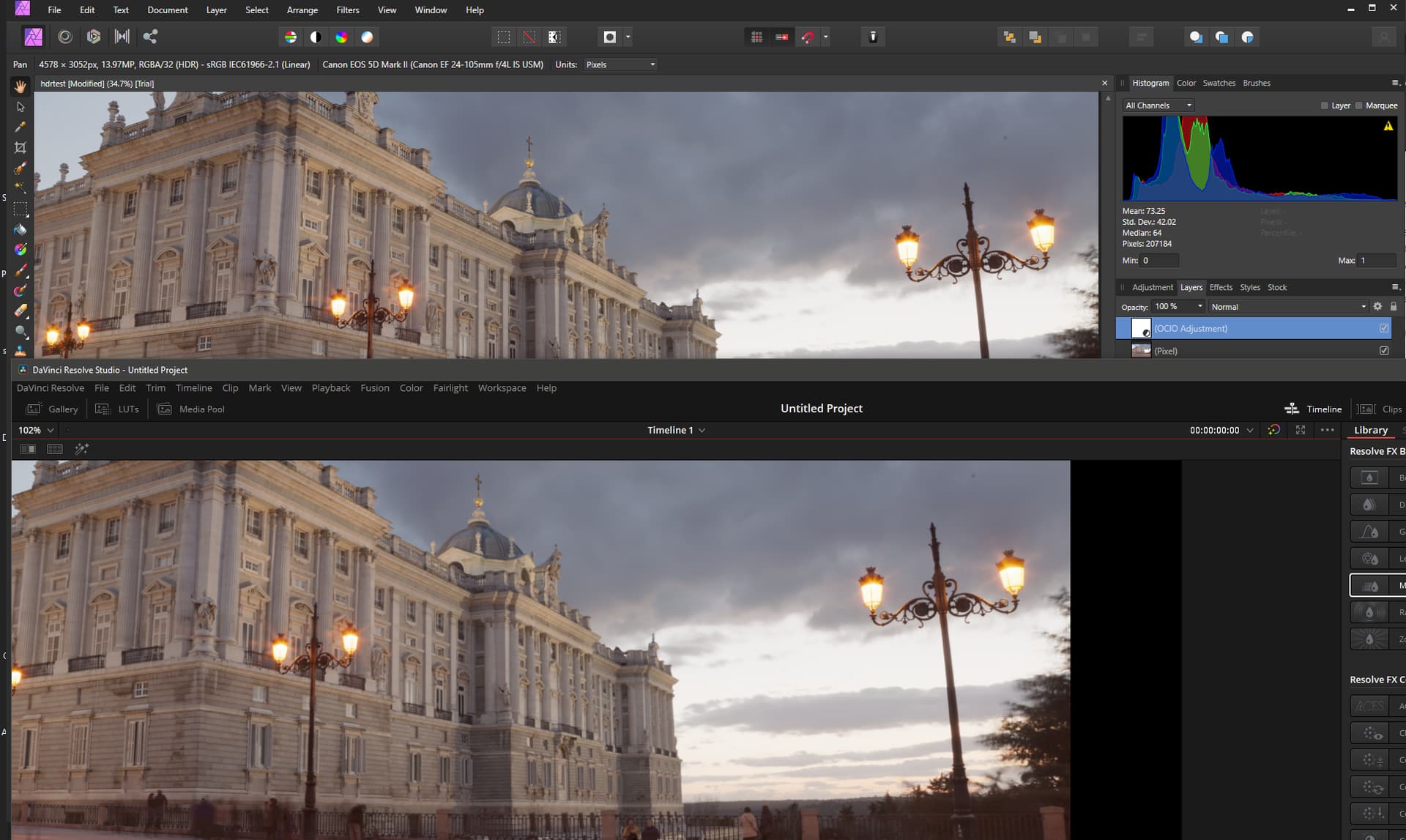
Alternatively you could keep the merged document in Linear sRGB by turning off the OCIO layer before export and flag it as Linear sRGB IDT in Resolve. (Only availabe from Resolve v14 and up I think with ACES 1.3).
@TooDee correct me if I’m wrong but if you’d want to make adjustments inside Affinity pushing colors outside sRGB (because delivery is P3 HDR) you’d have to work in ACEScg as the document profile or make the adjustment above the OCIO adjustment layer?