Thanks so much for the help.
Now when I import my textures that are already in ACEScg, can I set the color space to RAW so that they aren’t changed in any way?
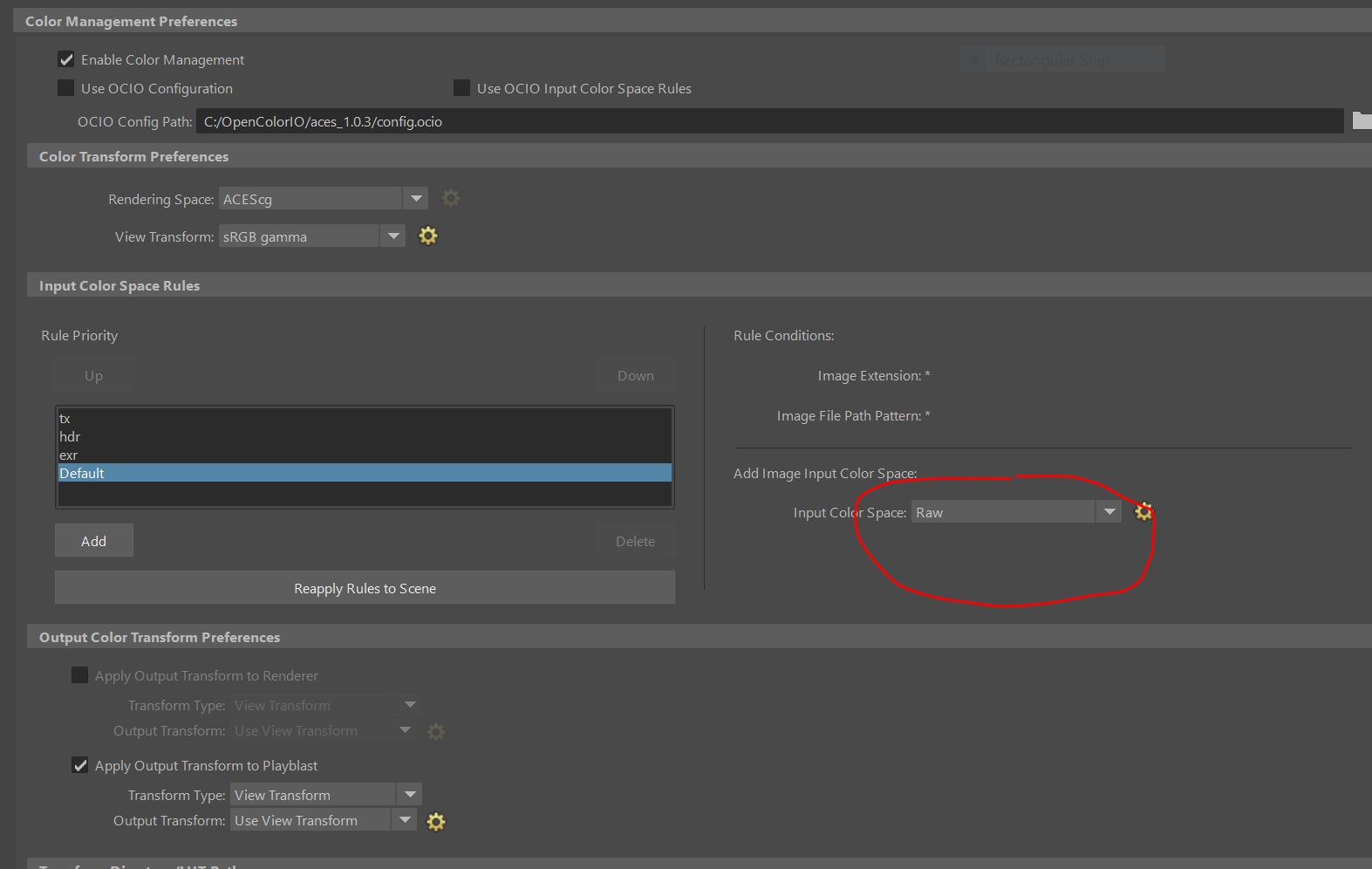
This workflow I saw on another post and I think it makes sense. [quote=“craigskane, post:1, topic:2515”]
I set the input color space to Raw since our textures will be pre-converted into ACEScg using a batch process after being saved from Substance. See diagram 1 below.
[/quote]
Also, I figured out how to use your filters and they seem to be working. Now, here my question. When working in ACES my colors become more desaturated, which I understand is because of the larger gamut but can/should I re-edit the colors on the textures to get the saturation back that I liked or should I leave it knowing that it’s only because of the change in color space…my textures had correct colors before I applied the ACES workflow.
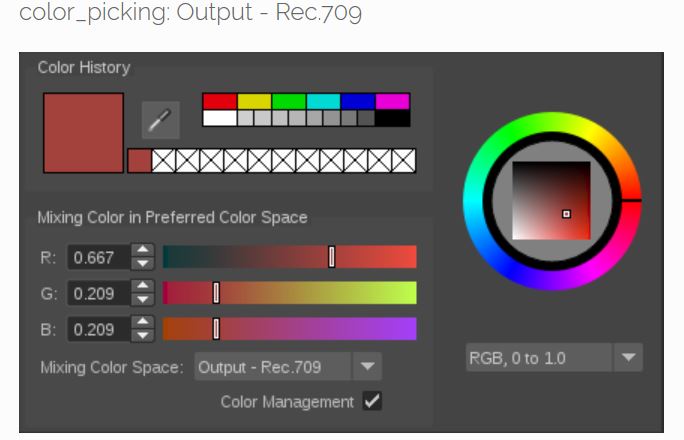
Next, my monitor is working in sRGB so is it ok that the default OCIO color picker is in Rec.709? In a thread from a VRAY Developer, he answered that if you “set your rendering colour space to ACEScg from Maya’s colour management options, all colour pickers will output ACEScg values”. Correct?
Finally, I have a question about the conversion process. When in Substance Painter, should I PRE-CONVERT any sRGB image I am using for the base color to ACEScg?(assuming Im not using your filters)
I know that in NUKE one would use an IDT to correctly view an sRGB image in ACES but in Painter I don’t think there is a way to do that…
Thanks again for all the help!